Using ClickUp for Continuing Medical Education Activities
ClickUp can be a valuable tool for managing and tracking Continuing Medical Education (CME) activities.
ReadClickUp pricing broken down: every plan, monthly vs annual, the Brain AI add-on, real team-cost examples, discounts, and where teams overspend.
 L5 Team
ClickUp has four plans, and the tier you pick is one part of the picture. Seats, the ClickUp Brain AI add-on, and whether you pay monthly or annually also shape your total cost.
Here are the four plans, priced per user per month when billed annually:
This page breaks down every plan, what changes between them, the real cost for a team of 10, 25, or 50, the discounts worth asking about, and the add-ons that affect your total.
Prices below are per user, per month, billed annually. Monthly-billed rates are higher and are covered further down.
| Plan | Price (annual) | Storage | Automations / mo | Best for |
|---|---|---|---|---|
| Free Forever | $0 | 60MB | 100 | Individuals and small teams evaluating the tool |
| Unlimited | $7 / user | Unlimited | 1,000 | Small teams past the free plan's limits |
| Business | $12 / user | Unlimited | 5,000 | Growing teams needing dashboards and automation depth |
| Enterprise | Custom | Unlimited | 250,000 | Orgs needing SSO, HIPAA, audit logs, a success manager |
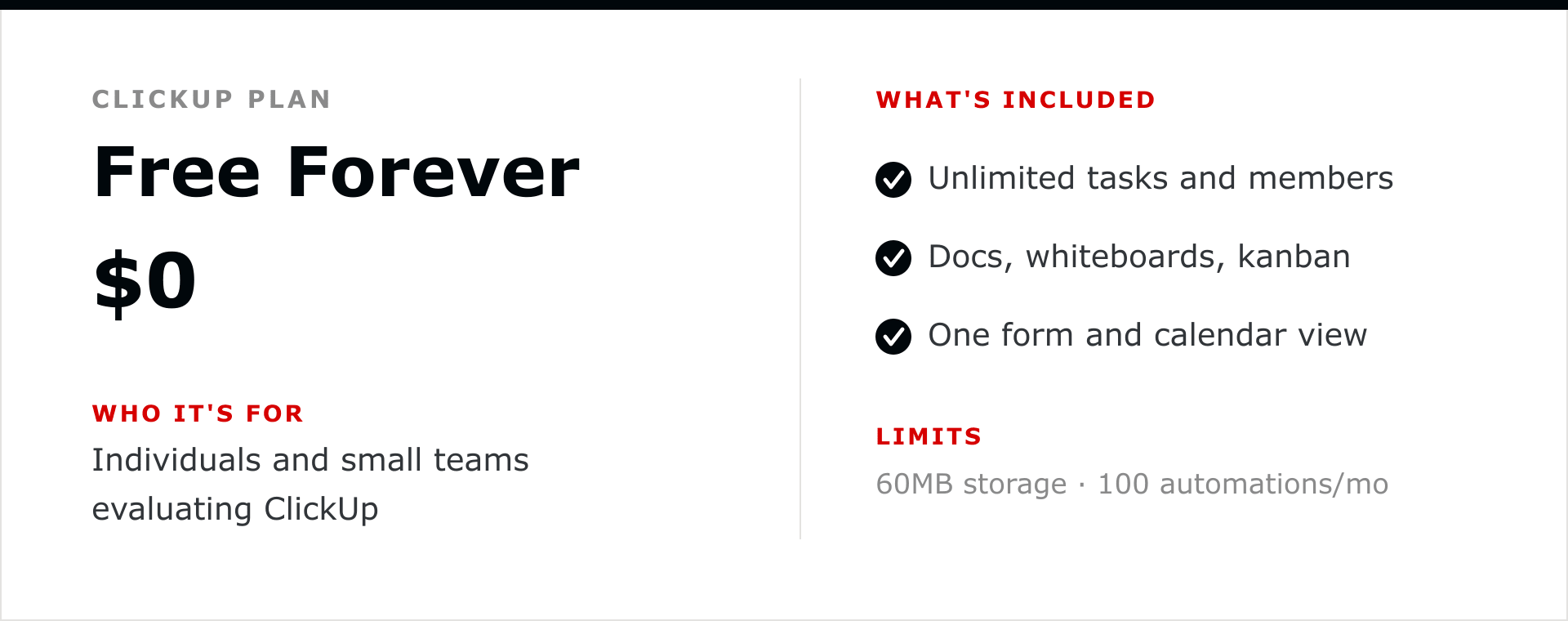
Unlimited tasks and unlimited members, plus core task management, collaborative docs, whiteboards, kanban boards, calendar view, and one form. The real ceiling is storage, capped at 60MB for the whole workspace, and automations, capped at 100 per month. It is enough to test whether ClickUp fits before anyone pays.
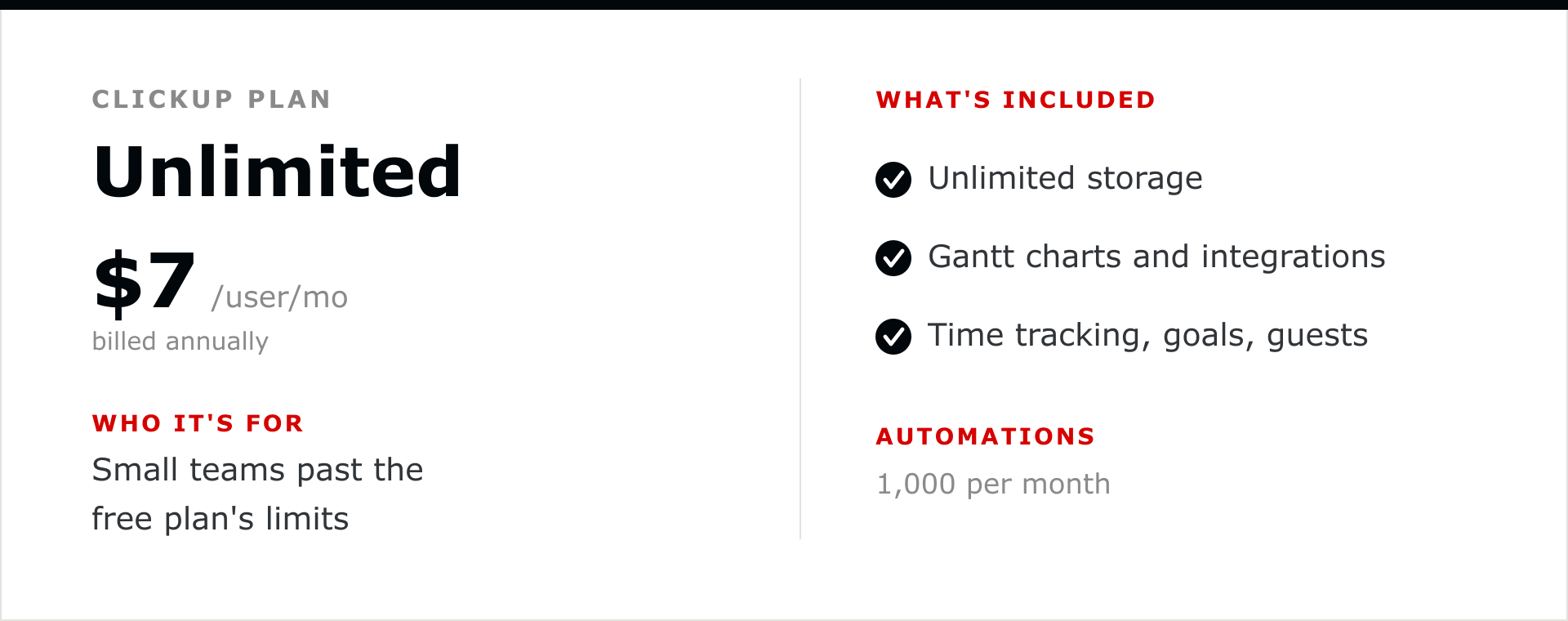
Removes the storage cap and raises automations to 1,000 per month. Adds unlimited spaces and folders, Gantt charts, unlimited integrations, native time tracking, goals and portfolios, and guest permissions. This is the tier most small teams land on once the free plan's storage or automation limits start to bite.
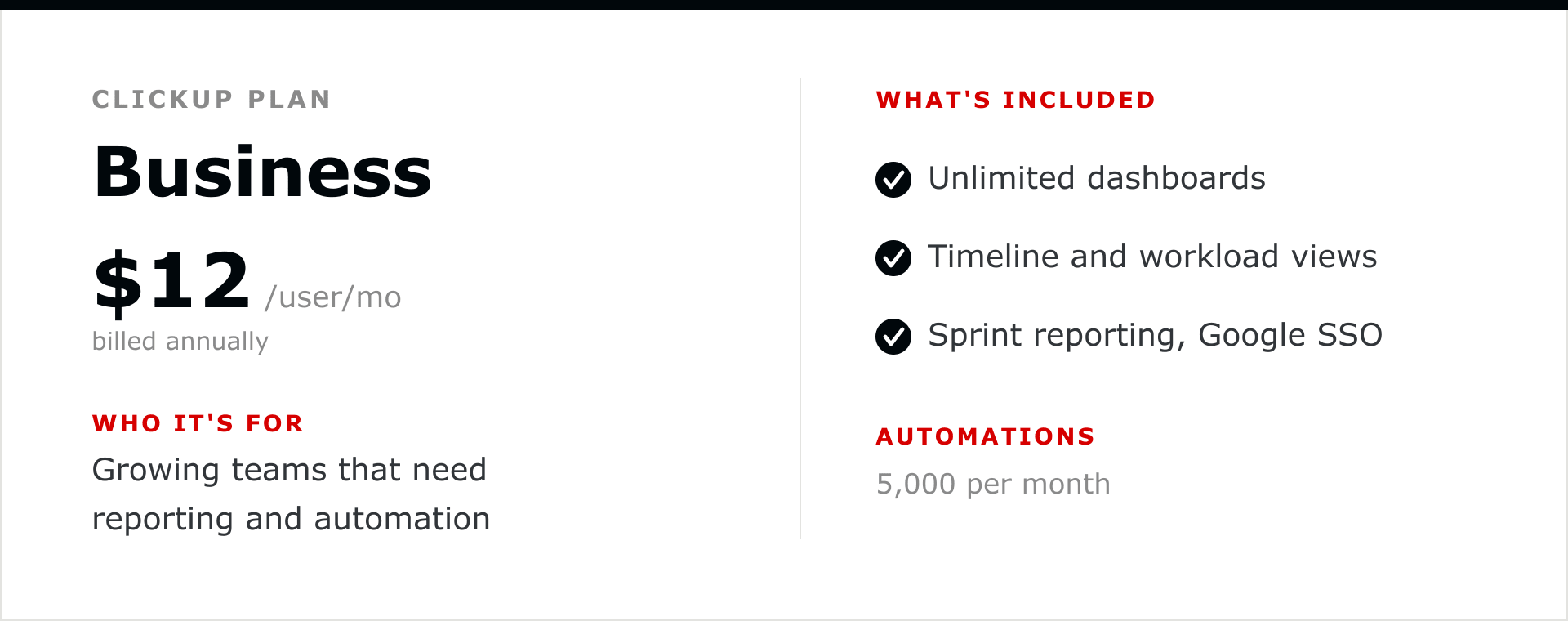
ClickUp's most popular paid tier. Adds unlimited dashboards, timeline and workload views, 5,000 automations per month, advanced time tracking, sprint reporting, custom exporting, and Google SSO. This is the tier for teams running reporting for leadership and automation-heavy workflows across departments.
Everything in Business, plus SAML SSO, SCIM provisioning, unlimited custom roles, an audit log, 250,000 automations per month, custom branding, HIPAA and MSA availability, data residency, guided onboarding, and a dedicated customer success manager. Pricing is negotiated with ClickUp's sales team, so there is no public per-seat rate.
ClickUp's AI is available as two add-ons, priced per member per month on top of your plan.
| AI add-on | Annual | Monthly | Included AI Super Credits / mo |
|---|---|---|---|
| ClickUp Brain | $9 / user | $18 / user | 1,500 |
| Everything AI | $28 / user | $68 / user | 5,000 |
Brain covers the AI assistant, AI writing, and enterprise search. Everything AI adds an AI notetaker, image generation, AI fields, and heavier automation, and draws on a larger pool of AI Super Credits. Extra credits cost $10 for 10,000 and apply to features like Super Agents, AI fields, and image generation.
ClickUp advertises the annual rate. The month-to-month rate is meaningfully higher.
| Plan | Billed annually (per user / mo) | Billed monthly (per user / mo) | Annual saving |
|---|---|---|---|
| Unlimited | $7 | $10 | About 30% |
| Business | $12 | $19 | About 37% |
On a 20-person Business team, annual billing costs $2,880 a year versus $4,560 month to month. That is $1,680 saved for committing to a year. If you are confident in the tool, annual billing is the single biggest lever on the base price.
All figures below use the annual per-seat rate, multiplied out to a yearly total. AI is shown as Brain on every seat, which is how ClickUp bills it.
| Team size | Business plan / year | Business + Brain / year |
|---|---|---|
| 10 users | $1,440 | $2,520 |
| 25 users | $3,600 | $6,300 |
| 50 users | $7,200 | $12,600 |
Two things stand out. Adding Brain applies to every seat, so it scales with team size. And the per-year total tracks headcount cleanly, which makes it easy to forecast as you grow.
Three things move a ClickUp bill more than the plan tier does.
A few programs can lower the price for teams that qualify.
Billed annually, Unlimited is $7 per user per month and Business is $12. Free is $0 and Enterprise is custom. Billed monthly, Unlimited is $10 and Business is $19.
Yes. Free Forever is $0 with unlimited members and tasks. Its main limits are 60MB of storage and 100 automations per month.
ClickUp Brain is $9 per member per month billed annually, or $18 billed monthly, on top of your plan.
Yes. Annual billing saves about 30% on Unlimited and about 37% on Business compared with month-to-month.
Per user, per month. Total cost scales directly with the number of paid seats.
On the Business plan billed annually, about $3,600 a year. Adding ClickUp Brain on every seat brings it to about $6,300 a year.
The cost question is really an implementation question. A workspace built around your team's real workflow gets more from every seat than one assembled ad hoc. L5 builds and then operates ClickUp on an ongoing basis, so the workspace keeps pace with what your team needs.


The full article with its figures, tables and sources, set for reading offline, printing, and sharing.
On its way to your inbox You can also download it right now.
Download the PDF Last updatedKeep reading
ClickUp can be a valuable tool for managing and tracking Continuing Medical Education (CME) activities.
Read
A good project manager’s top priority is to ensure that all the projects are completed on time. So, they are always sear...
Read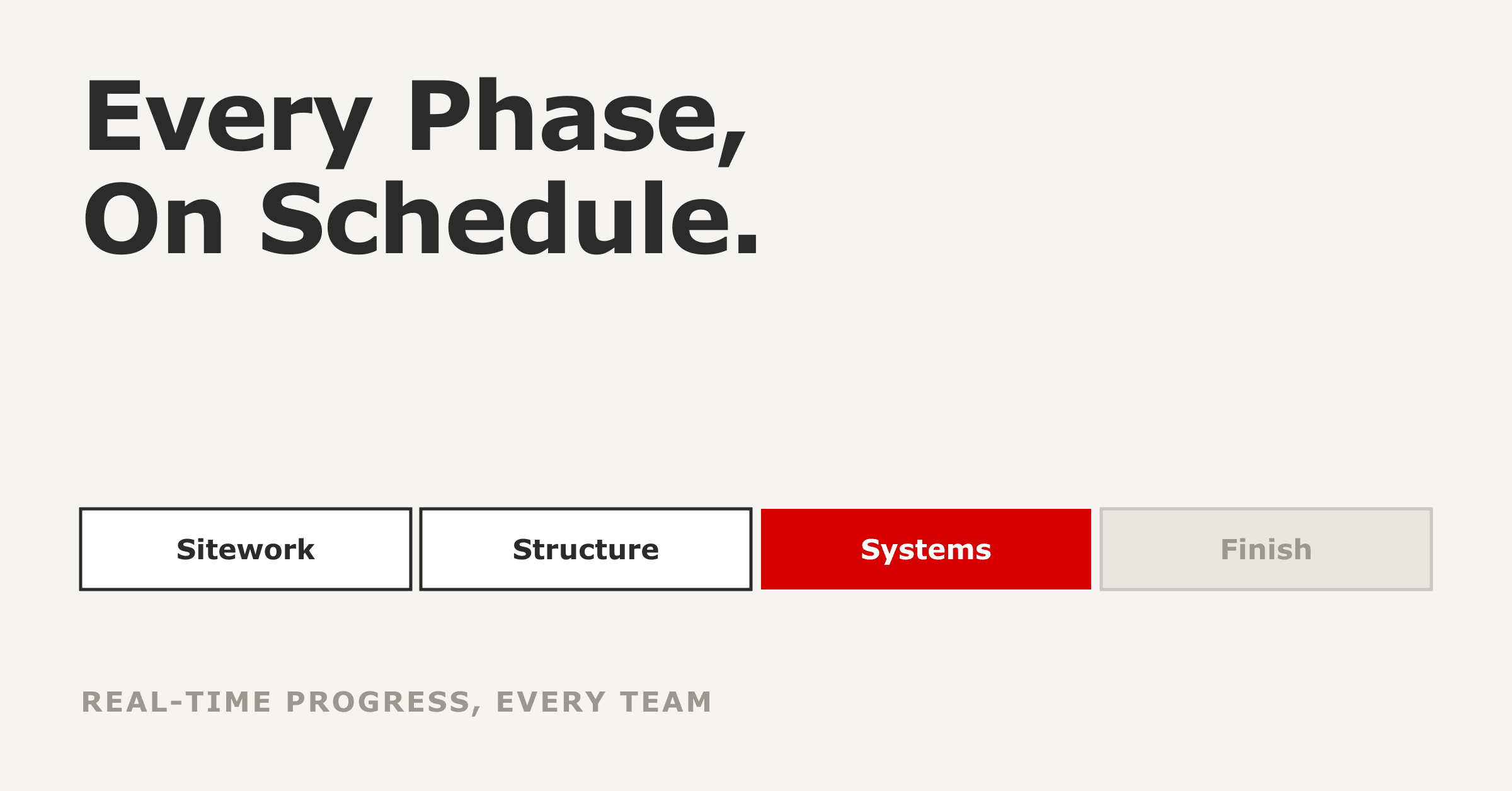
ClickUp works well for construction project management when it is set up around how a job actually runs: phases on a liv...
ReadField notes on AI operations and service management, direct to your inbox. New insights, the week we publish them.
No spam. Unsubscribe any time.