The Autonomous IT Workforce
How people and AI resolve together on a purpose-built service platform, and who keeps it producing after go-live.
PDF/Aug 2026 Download PDFBuilt by the team that runs AI in production every week, on real deployments across Zendesk, ClickUp, and Workday.
How people and AI resolve together on a purpose-built service platform, and who keeps it producing after go-live.
PDF/Aug 2026 Download PDF
Why the enterprise software portfolio costs 7 to 10 times the license line item, and what consolidated, operated platforms recover.
PDF/Jul 2026 Download PDF
Why mid-market IT teams overpay for ITSM platforms built for enterprise scale, and the right-sized alternative that cuts operating costs 40 to 60 percent.
PDF/May 2026 Download PDF
L5's methodology for closing the gap to Level 5 AI maturity. Assess, Onboard, Operate, with a Drive every week.
PDF/Apr 2026 Download PDF
Zendesk and NinjaOne, operated by L5 on AWS Marketplace. Live endpoint data, agent-approved remediation, and IT asset sync inside your Zendesk service desk.
PDF/Jun 2026 Download PDF
What L5 deploys and operates for IT, HR, and Finance service delivery on Zendesk, from intake to the weekly scorecard.
PDF/May 2026 Download PDF
How L5 runs work management on ClickUp, from spaces and automations to AI agents, on a weekly Drive cadence.
PDF/Apr 2026 Download PDF
How L5 operates HR Service Delivery on Workday, from case and knowledge to employee self-service, so the record stays accurate.
PDF/Mar 2026 Download PDF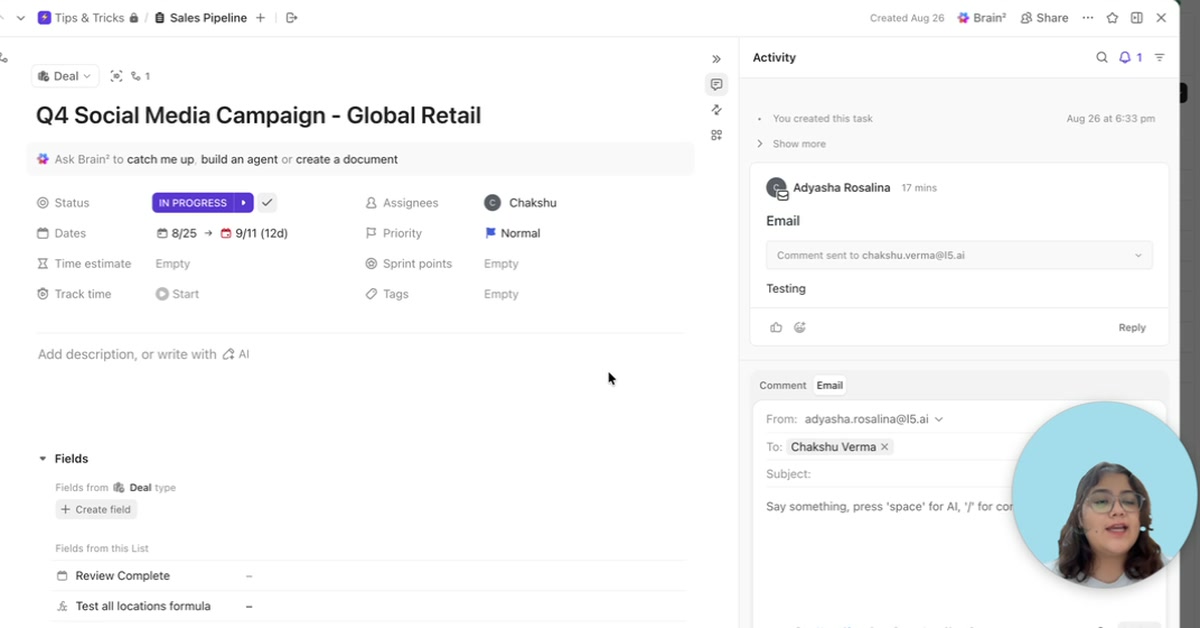
ClickUp can send email from inside a task, so the client conversation stays with the work it belongs to. How to connect an email account, send from a task and keep client replies threaded on the same task.
3 min/Nov 2026 Watch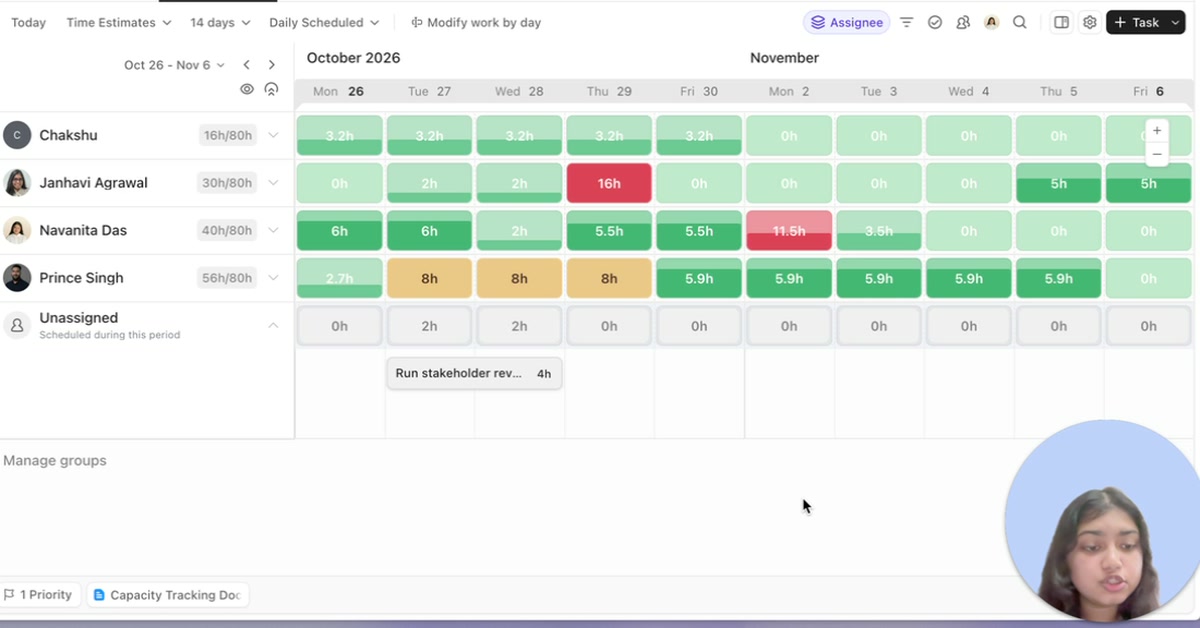
ClickUp's Workload view shows how many hours each person has scheduled each day against their capacity, coloured green, yellow or red. How to read it and move work so nobody on the team is overbooked.
3 min/Nov 2026 Watch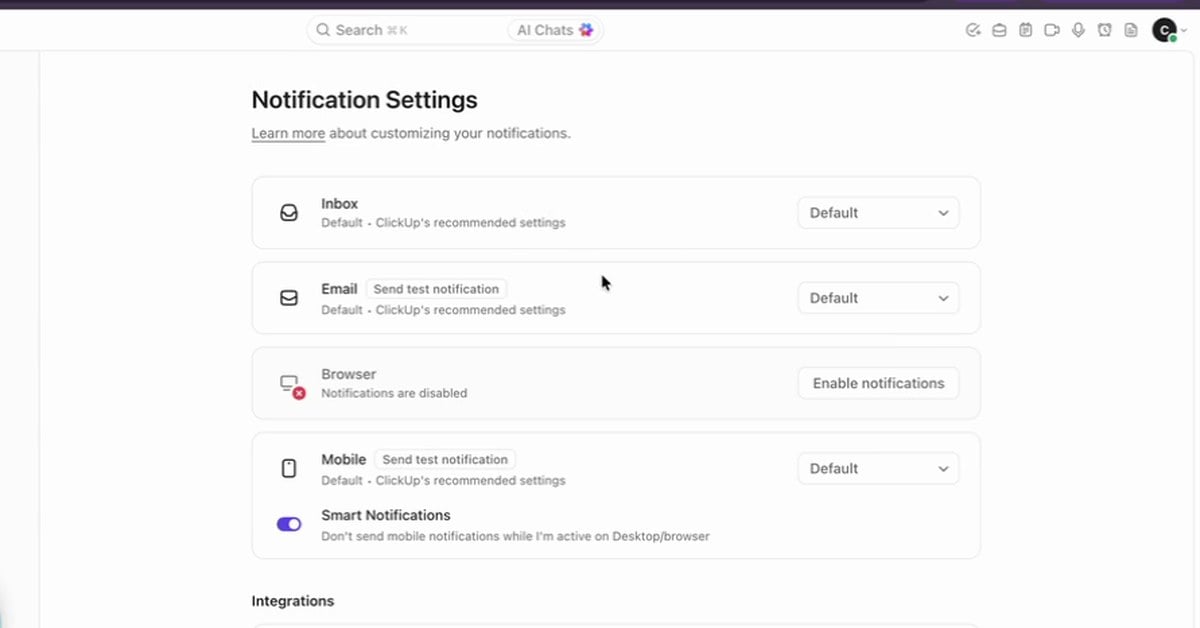
How the ClickUp Inbox collects every update in one place, and how notification settings decide what reaches your email, browser and phone.
3 min/Nov 2026 Watch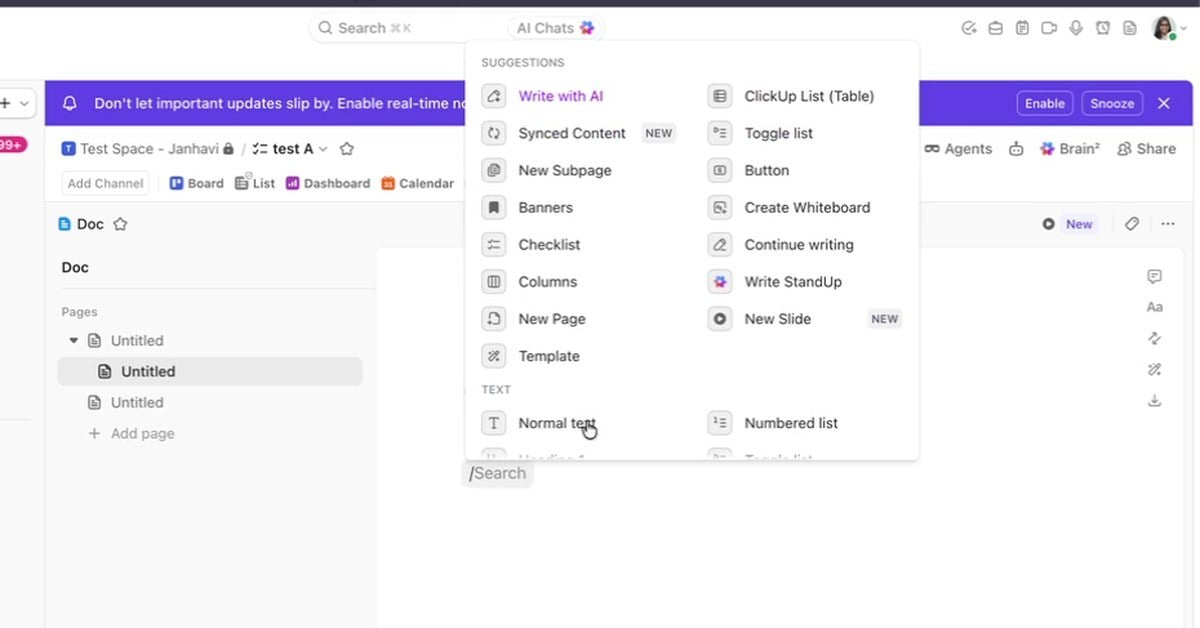
ClickUp Docs and wikis keep documentation next to the work. How to build a doc with pages and slash commands, comment in it, mark it a wiki and set access.
3 min/Oct 2026 Watch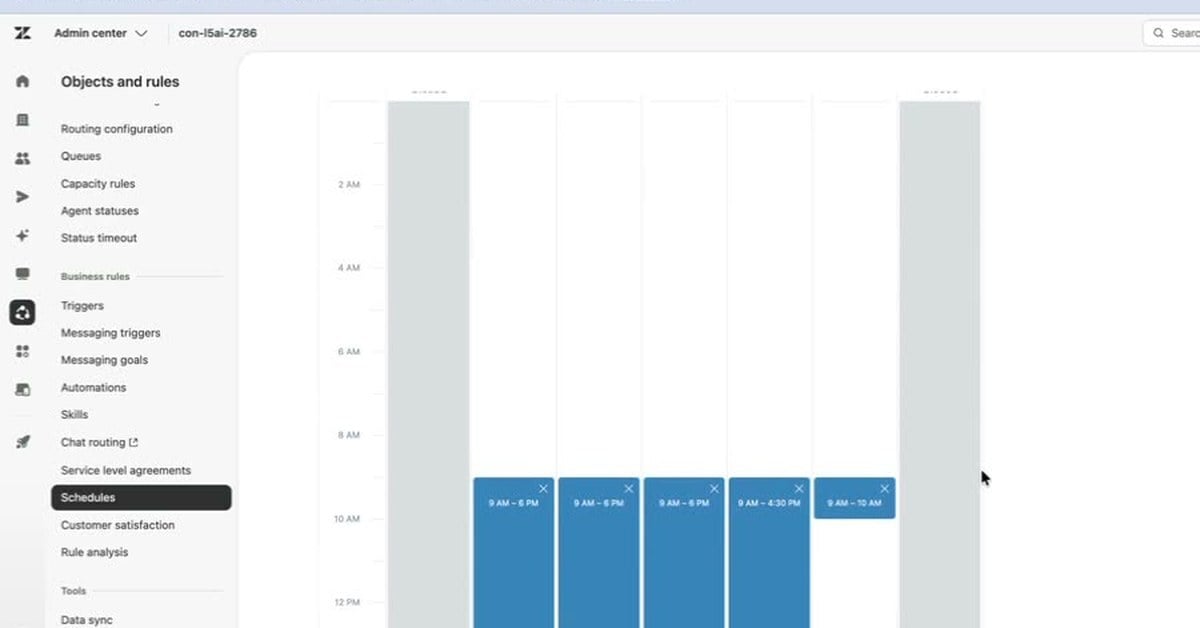
A Zendesk schedule sets your business hours and holidays, and the triggers, views and automations that use them follow it. How to set one up and test it.
3 min/Oct 2026 Watch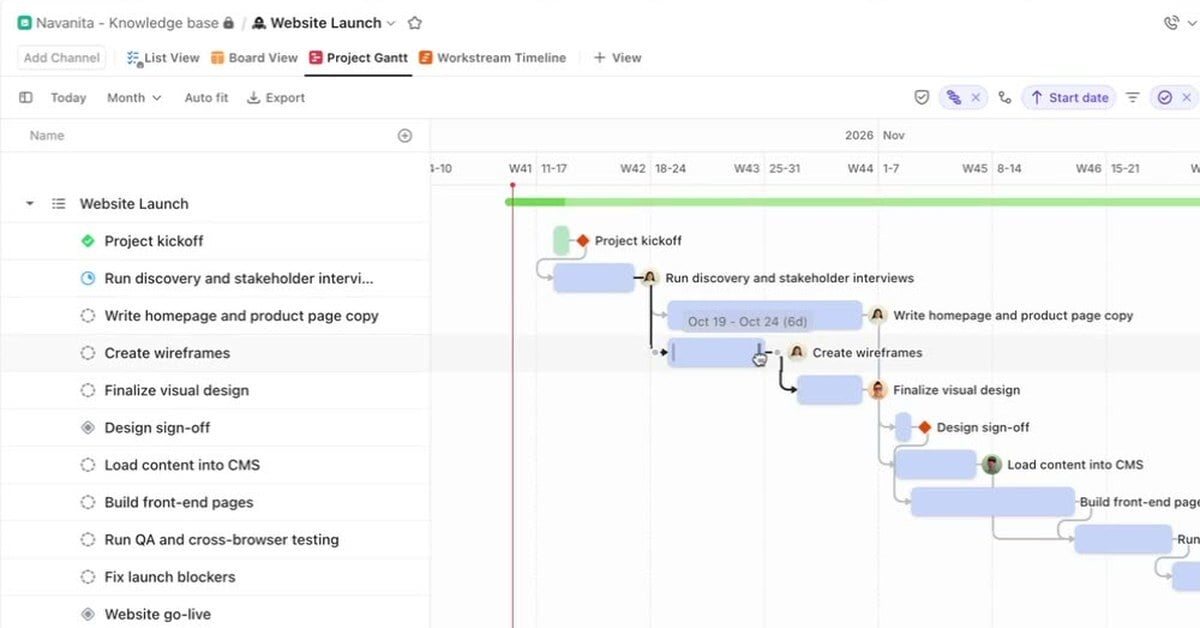
ClickUp Gantt and Timeline views both draw tasks as bars. Gantt shows dependencies and cascading reschedules; Timeline groups work by team or assignee.
3 min/Oct 2026 Watch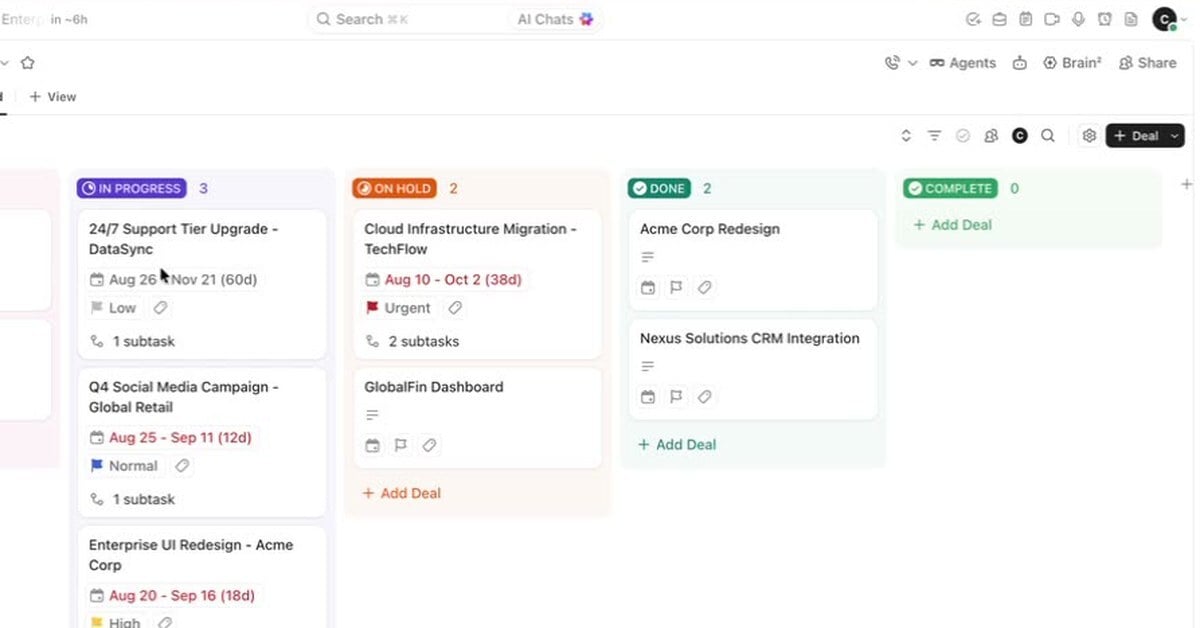
ClickUp shows the same tasks as a list or a board. When each view fits, how to switch, and the group by, filter and protection settings both views share.
3 min/Oct 2026 Watch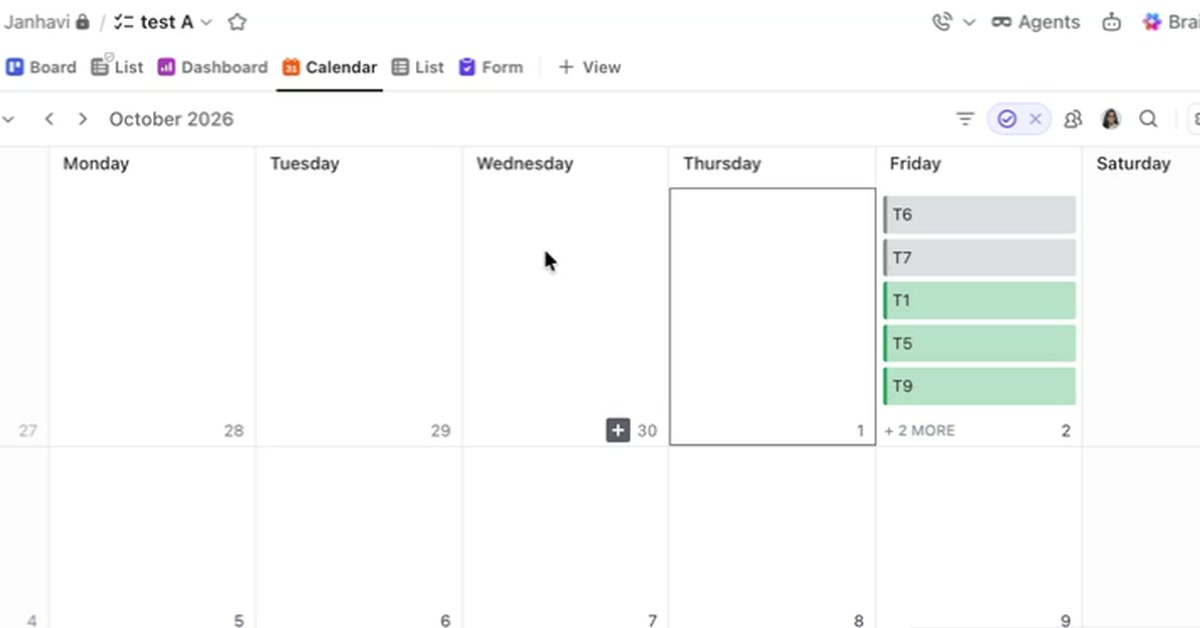
How the ClickUp Calendar view places tasks by their dates, what a task needs to show there, and how filters and color coding shape what the calendar shows.
3 min/Oct 2026 Watch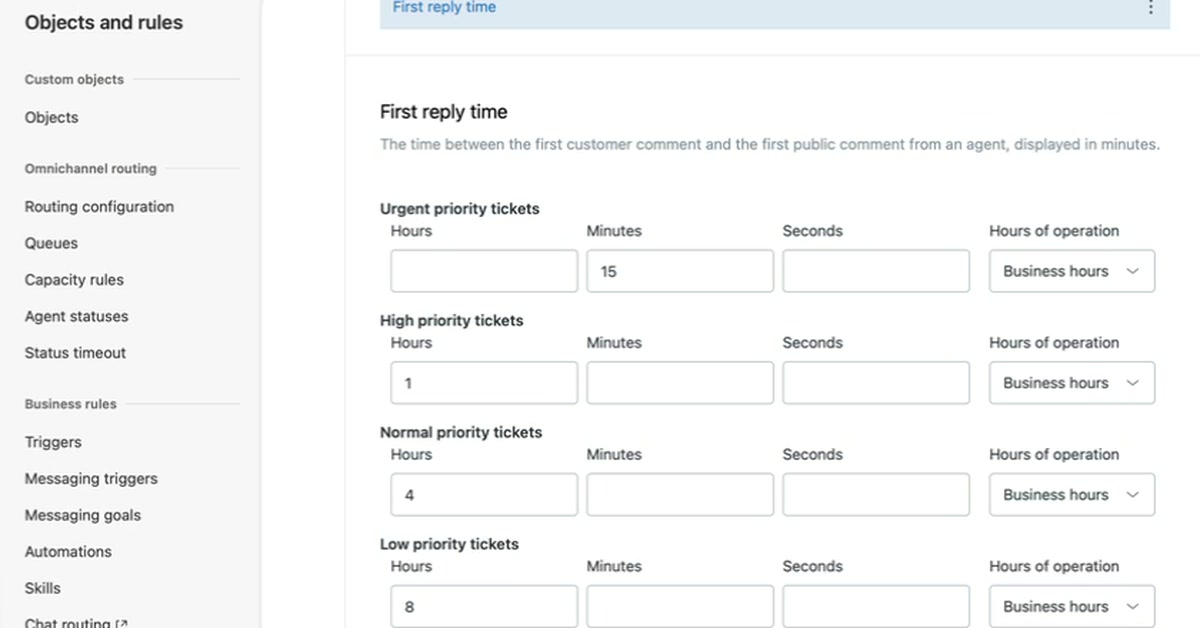
A Zendesk SLA policy sets how fast support must reply and resolve. How to create one in Admin Center, set first reply targets by priority, and test it.
3 min/Oct 2026 Watch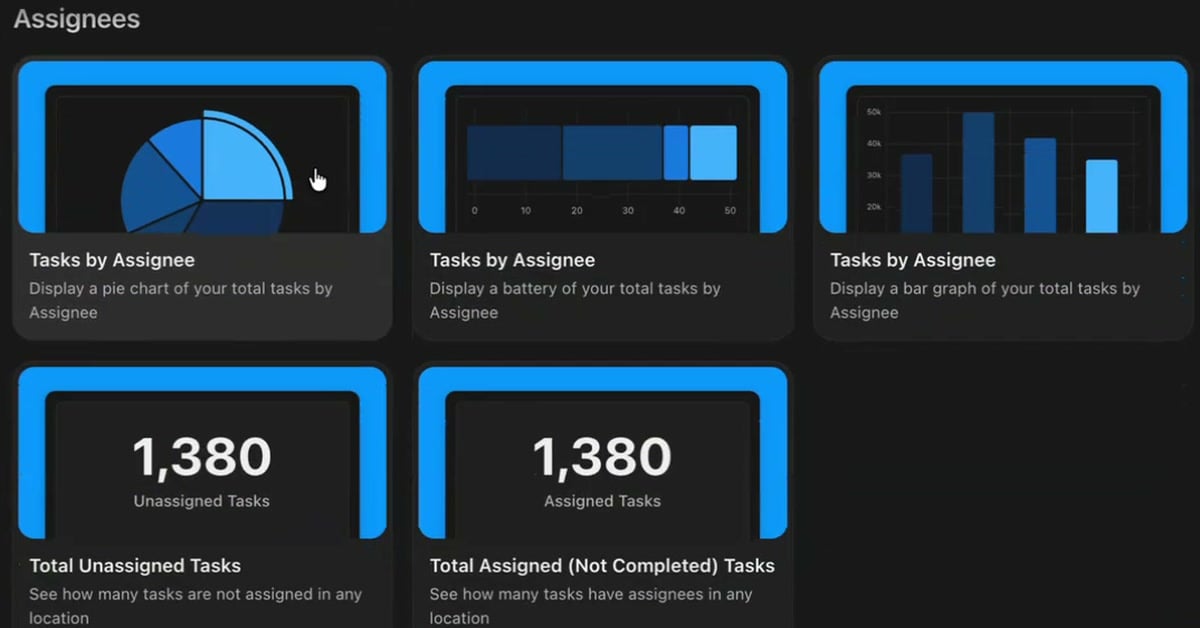
ClickUp assignee cards show who holds the work and what is unassigned. How to add them from the card library, switch chart styles and focus on one person.
2 min/Oct 2026 Watch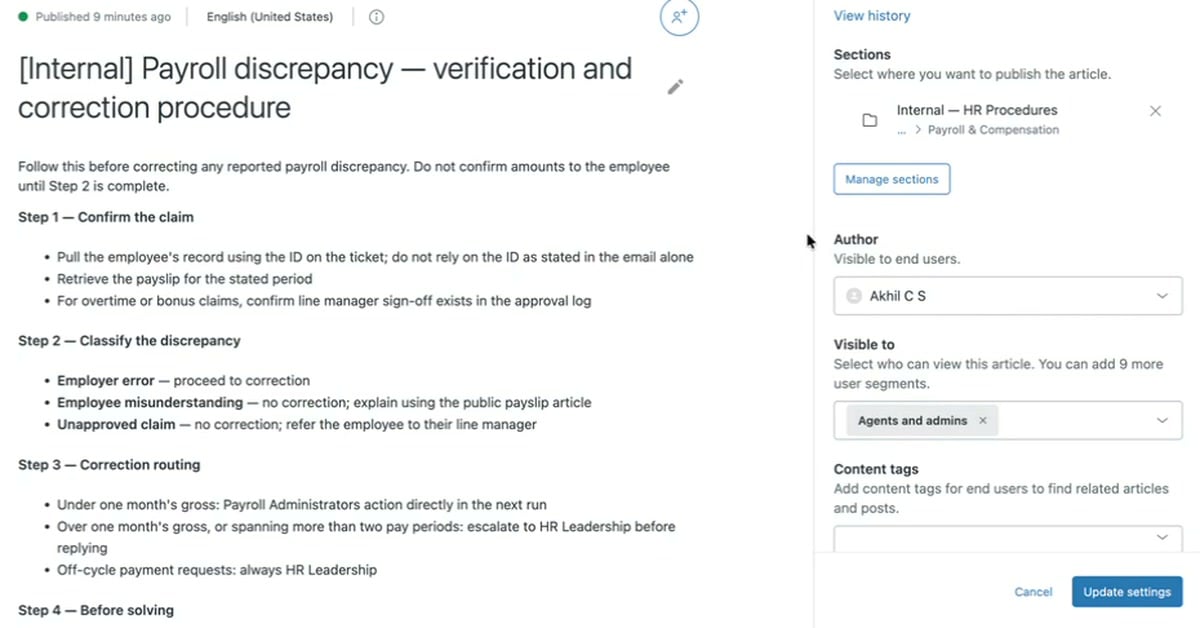
Zendesk internal articles hold procedures only agents should see. How one shows in the knowledge panel on a ticket, and the setting that makes it internal.
3 min/Oct 2026 Watch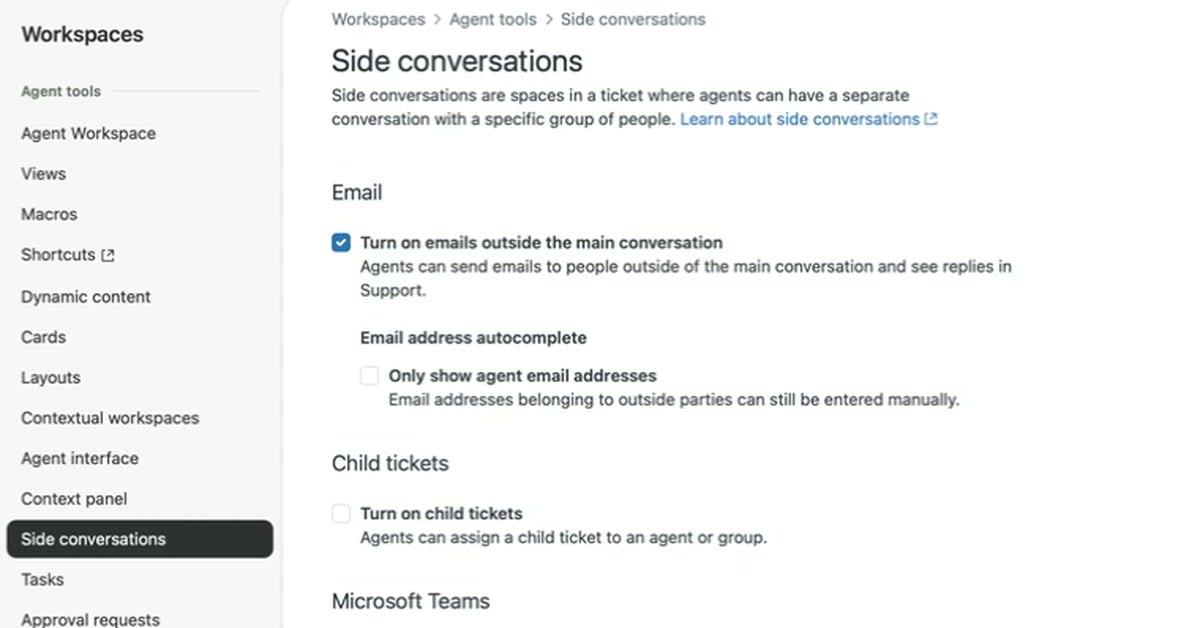
Zendesk side conversations let an agent email a manager or finance from a ticket. What a side conversation is, how to turn it on, and how to create one.
3 min/Oct 2026 Watch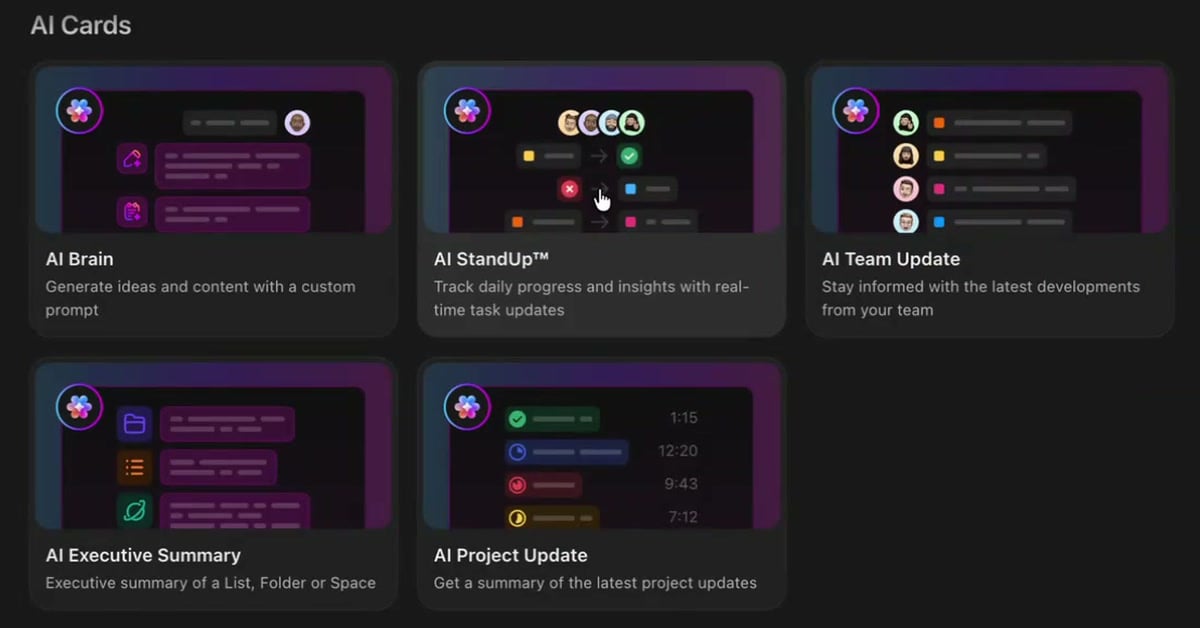
ClickUp AI cards answer dashboard questions from a plain-English prompt. A tour of the five cards in the AI Cards library and an AI Brain card for tasks.
3 min/Oct 2026 Watch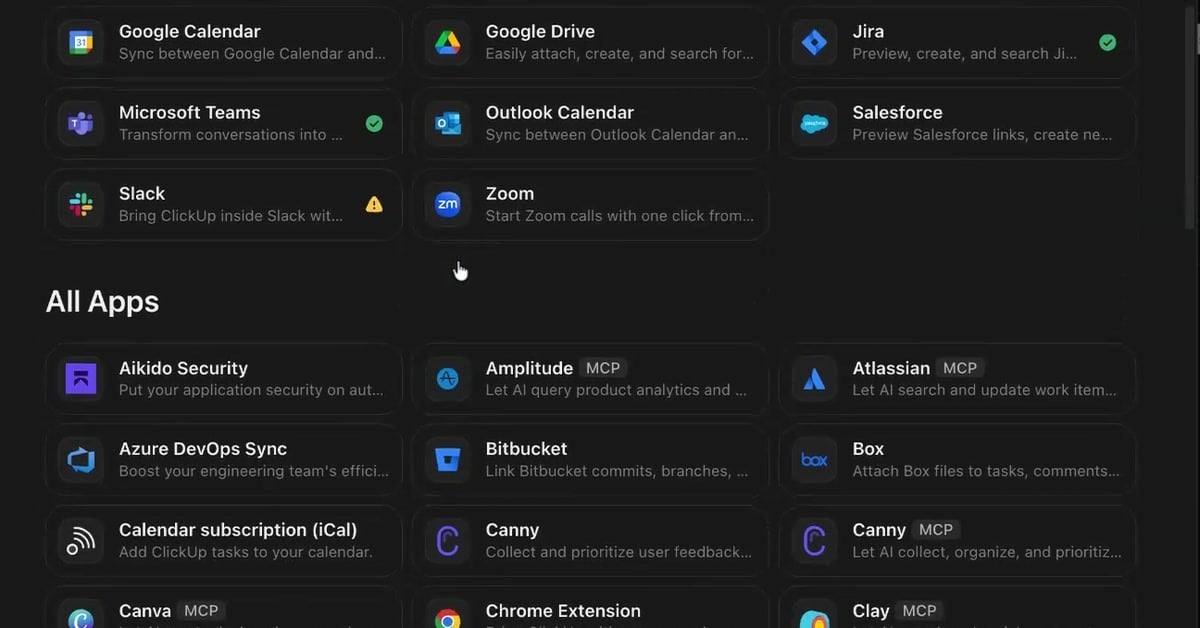
ClickUp integrations explained: how the App Center and MCP servers connect your apps, an email automation that sends a ticket ID, and Brain file search.
2 min/Oct 2026 Watch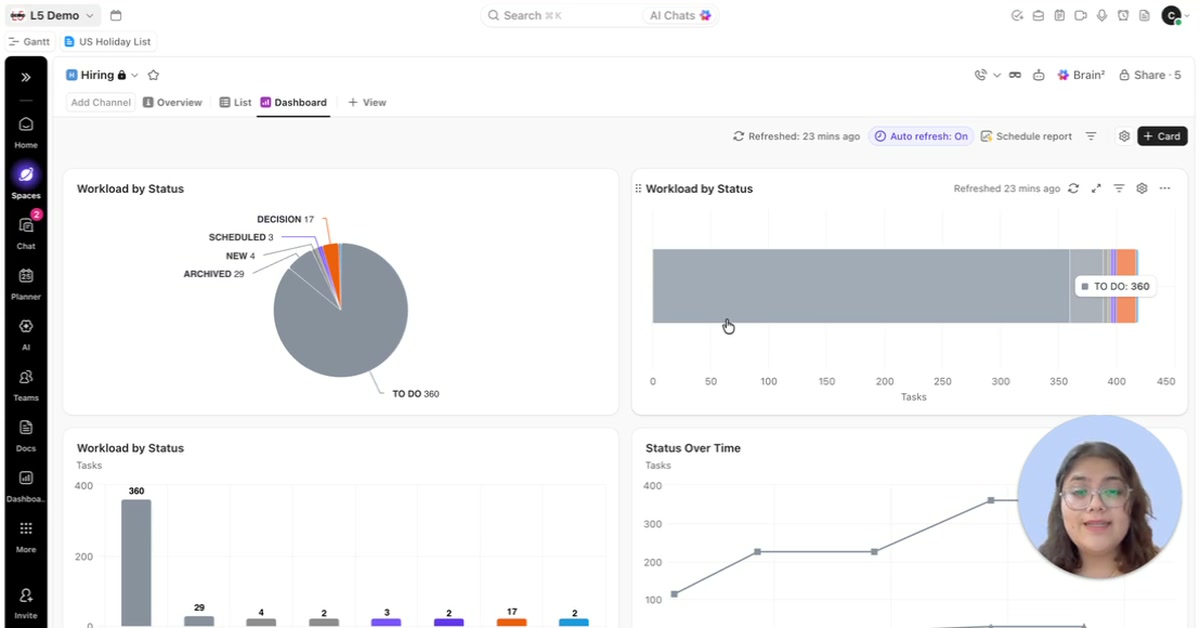
ClickUp status cards show tasks split by status across lists, how long tasks sit in each status, and how that changes over time, on one ClickUp dashboard.
3 min/Oct 2026 Watch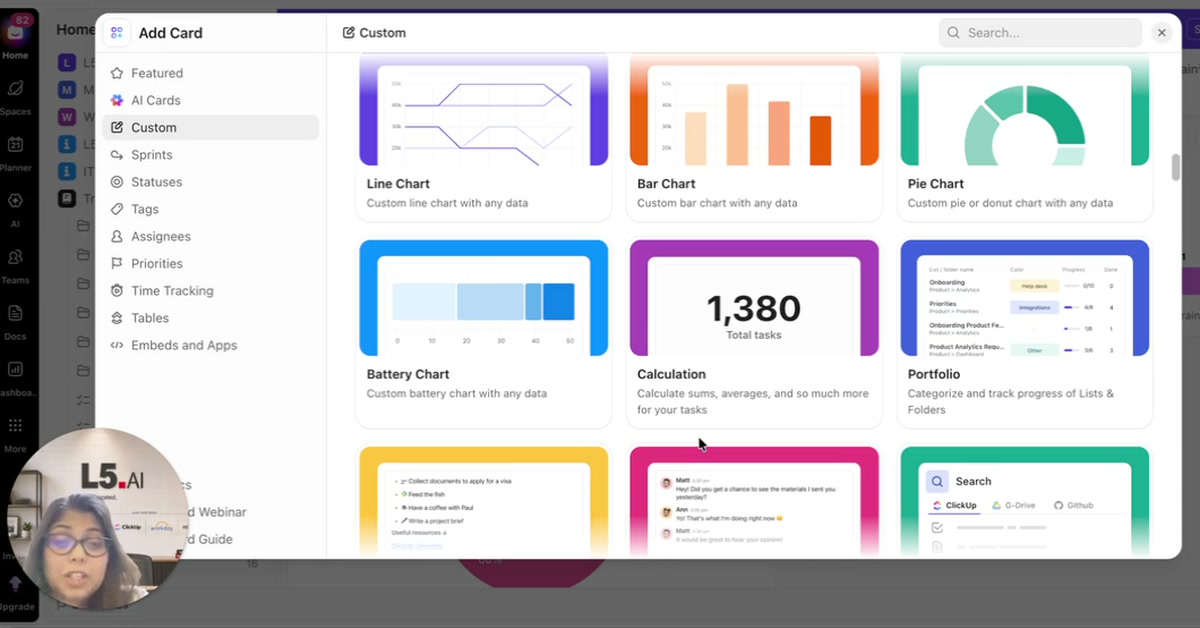
How to add ClickUp dashboard cards from the Custom section, build a bar chart on a custom field and a pie chart by status, and choose cards by question.
3 min/Oct 2026 Watch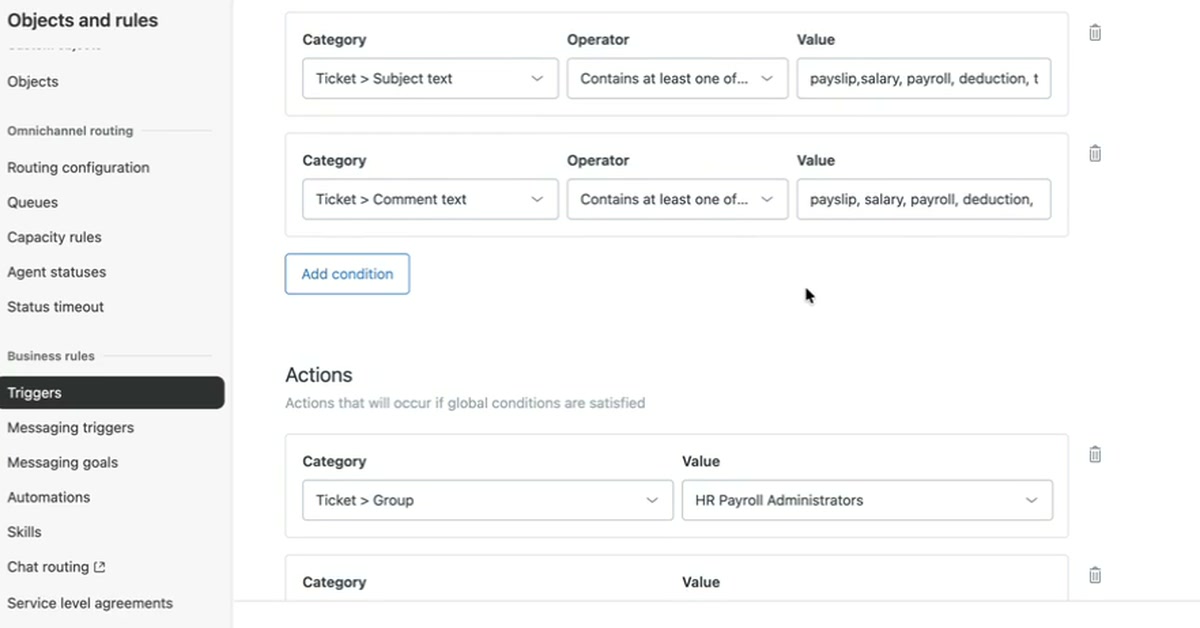
How one Zendesk trigger routes shared inbox tickets by keyword: payroll emails from a shared HR address go to their team, the rest to a default group.
3 min/Oct 2026 Watch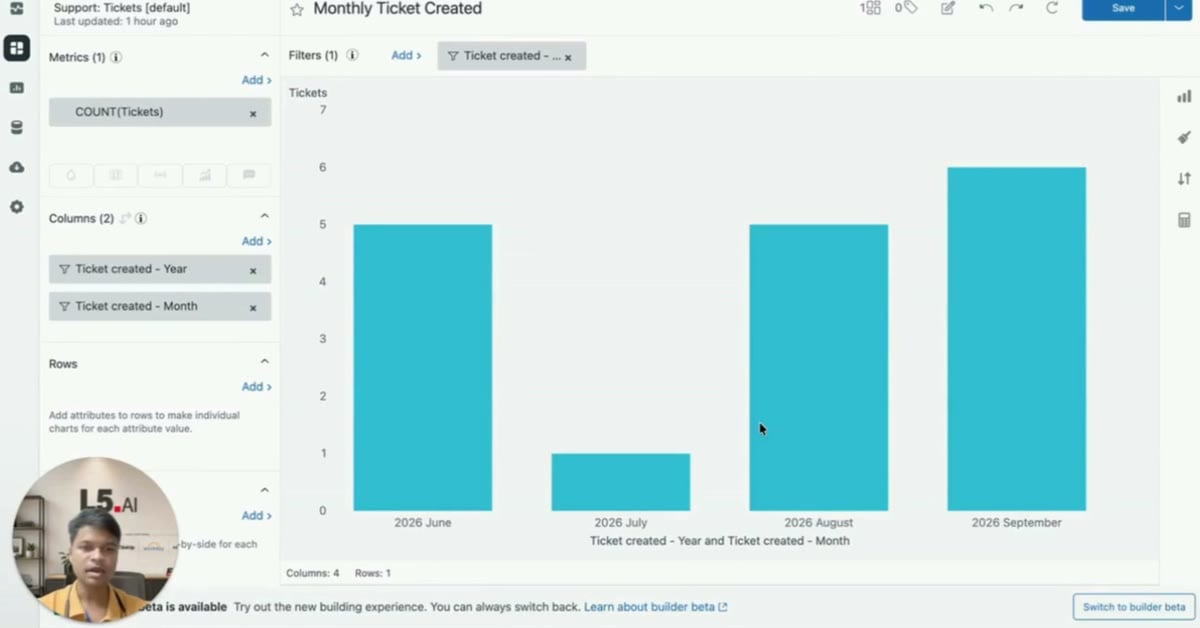
Zendesk Explore reports answer one question about your ticket data. How to start a report, build one with Quick report from a plain question, and shape it.
2 min/Oct 2026 Watch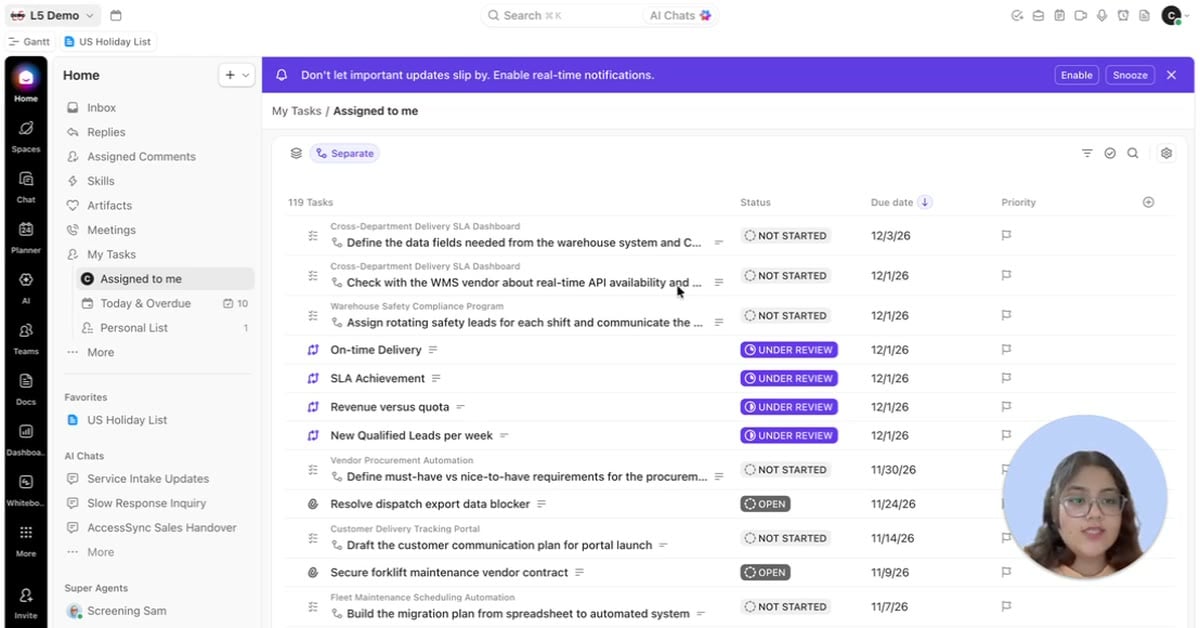
ClickUp My Tasks pulls every task assigned to you into one place. What its three views, Assigned to me, Today & Overdue and Personal List, are for.
3 min/Oct 2026 Watch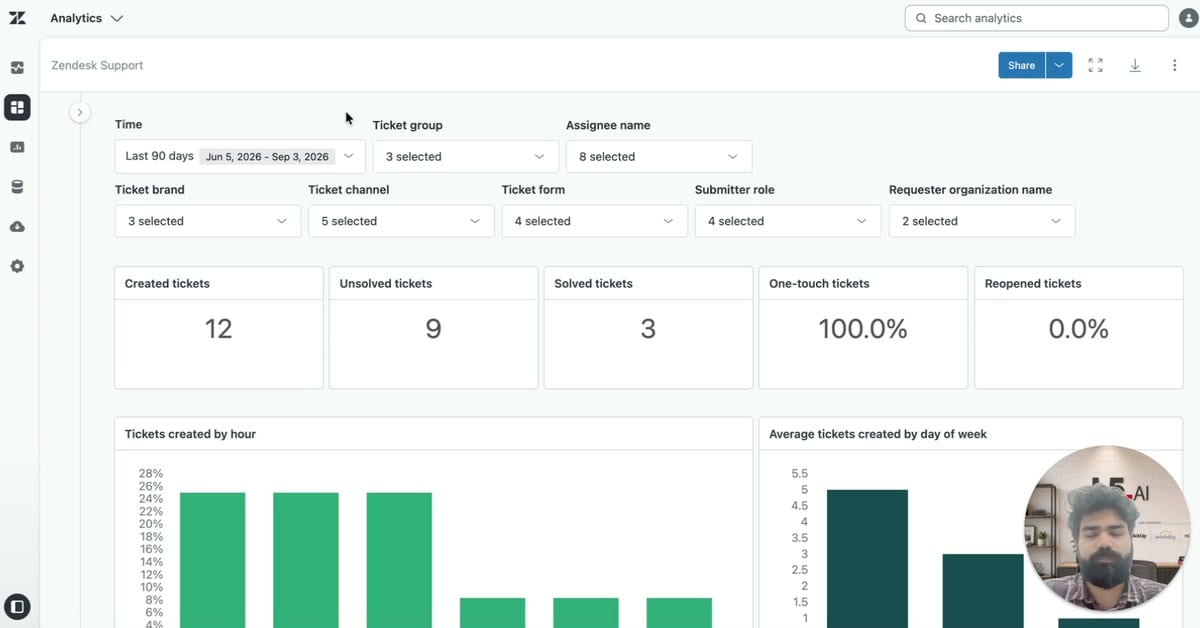
Zendesk Explore ships a prebuilt Support dashboard. What its tabs cover, how filters narrow a whole tab at once, and how to read the Tickets tab.
3 min/Sep 2026 Watch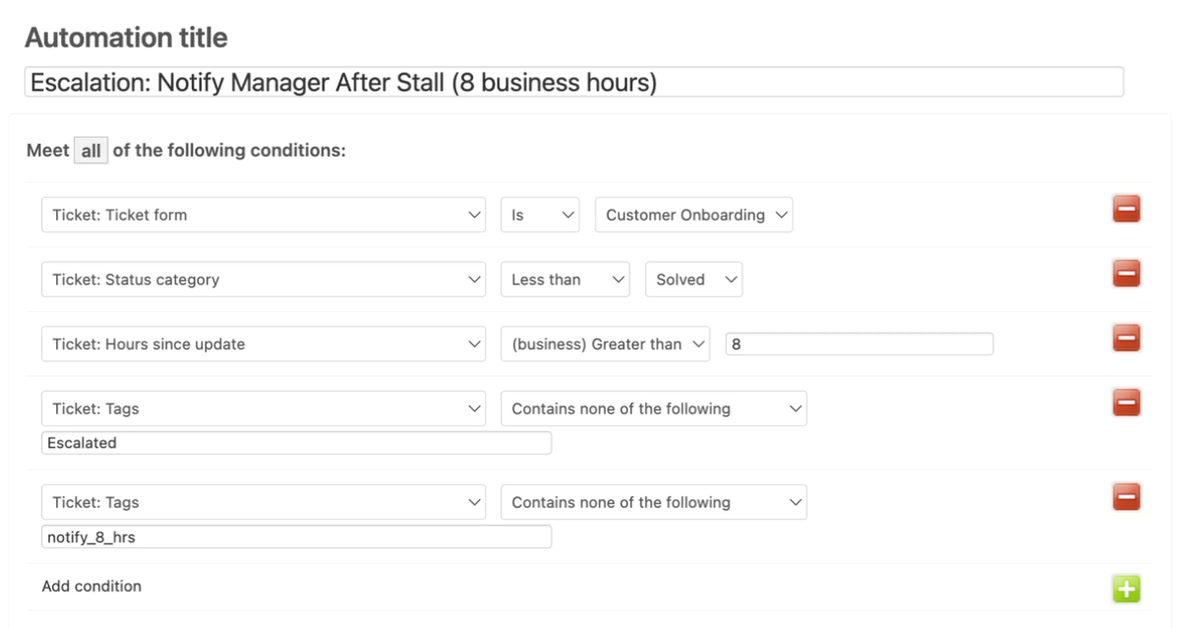
Zendesk tags are free text any agent, trigger or automation can add. How ticket tagging shows an account's stage, and how a tag stops a rule firing twice.
4 min/Sep 2026 Watch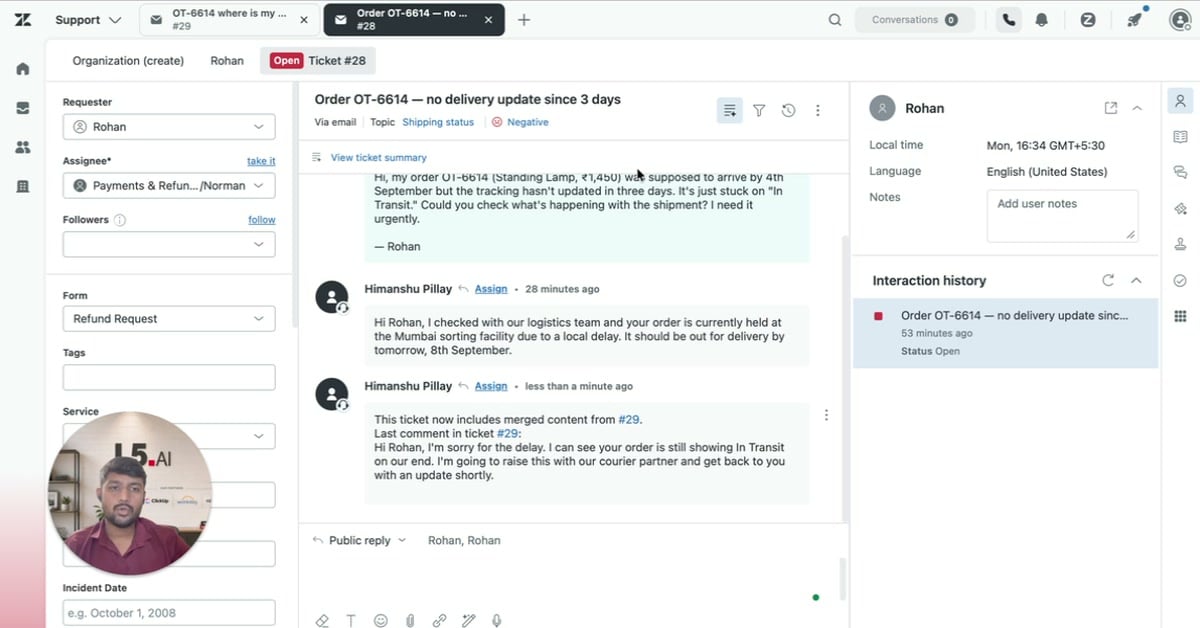
How to merge tickets in Zendesk when a customer emails twice: merge the duplicate, what the merge does to each ticket, and the limit to know first.
4 min/Sep 2026 Watch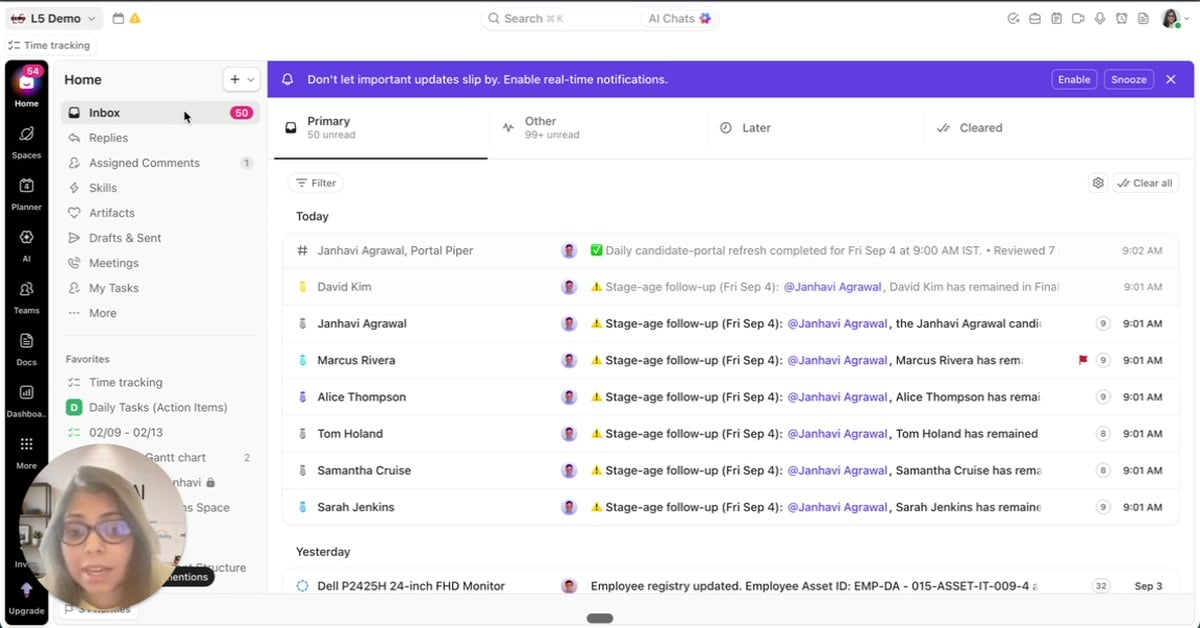
ClickUp Home is the screen that opens first. A walkthrough of its Inbox, Replies and Assigned Comments sections, where notifications waiting on you land.
3 min/Sep 2026 Watch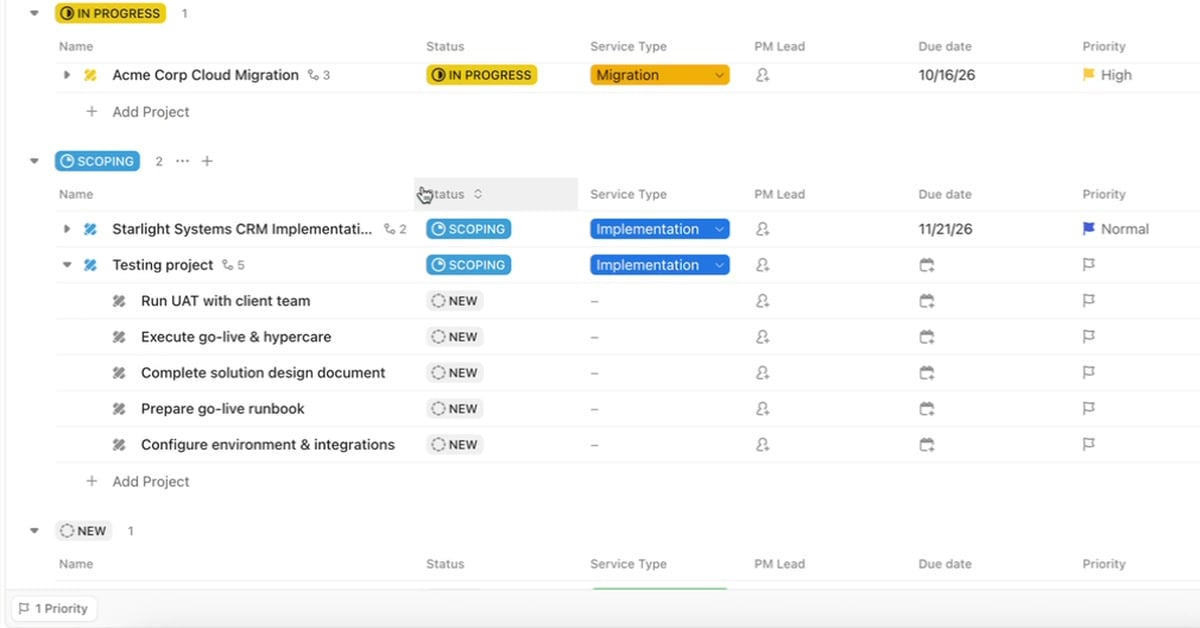
How two ClickUp automations read a project's Service Type and apply the matching task template, so each new project arrives with its action items on it.
2 min/Sep 2026 Watch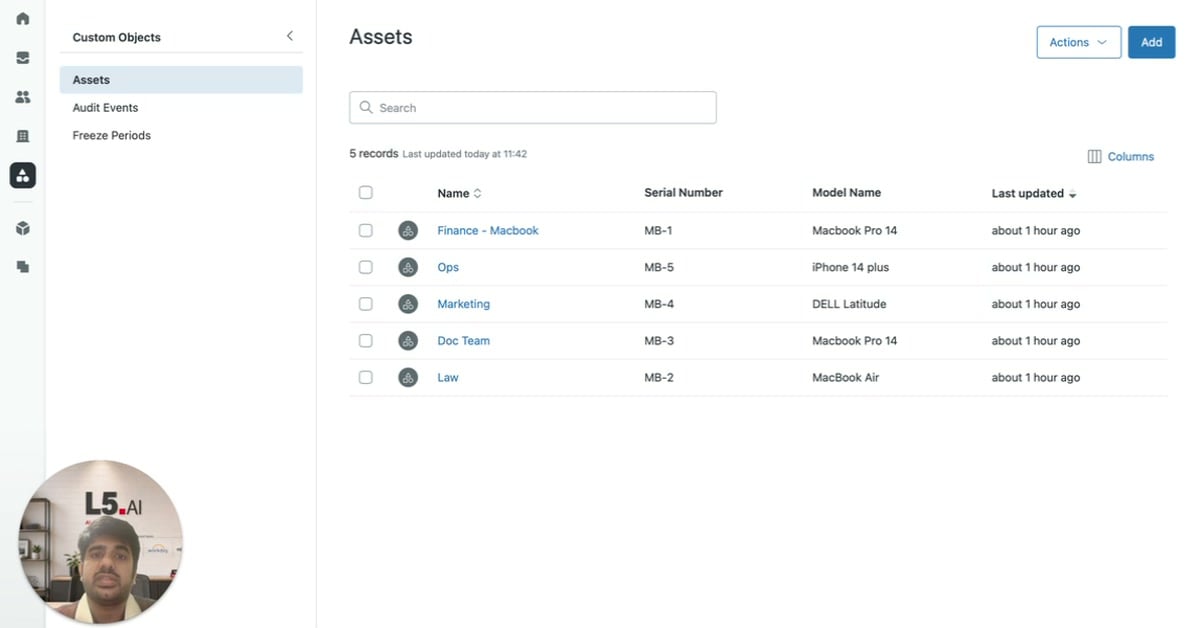
A custom object is the record type Zendesk does not ship: assets, contracts, subscriptions. How to define one, and the lookup field that puts it on a ticket.
3 min/Sep 2026 Watch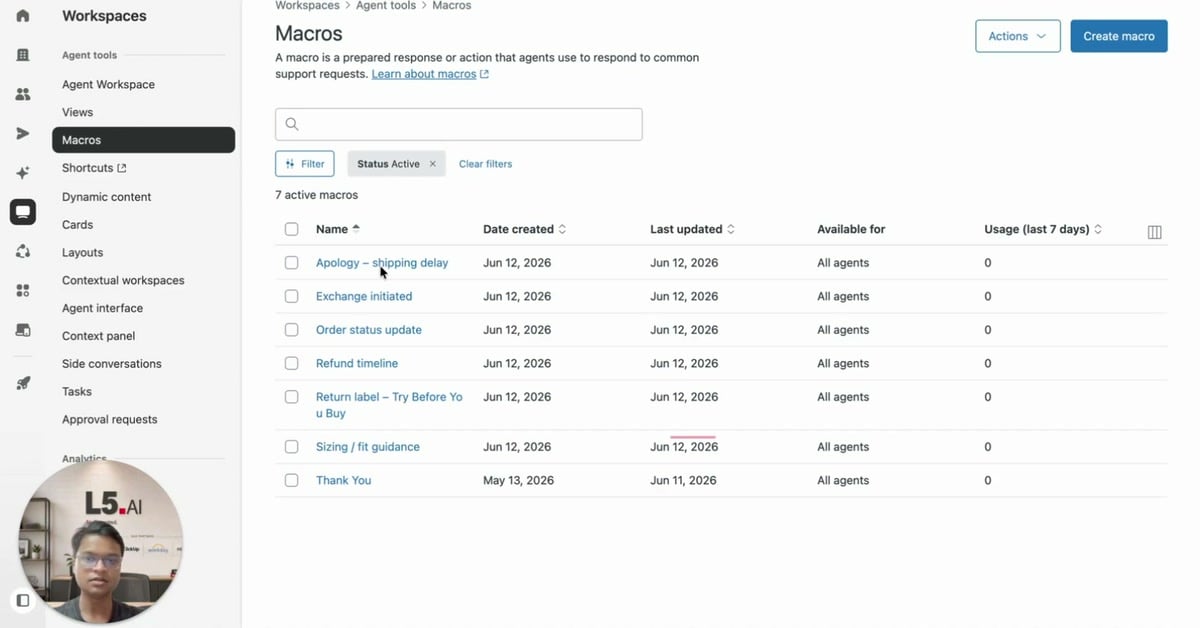
A macro is a saved reply plus the ticket changes that go with it. What sits inside a macro, how to build one, and what an agent sees when they apply it.
2 min/Sep 2026 Watch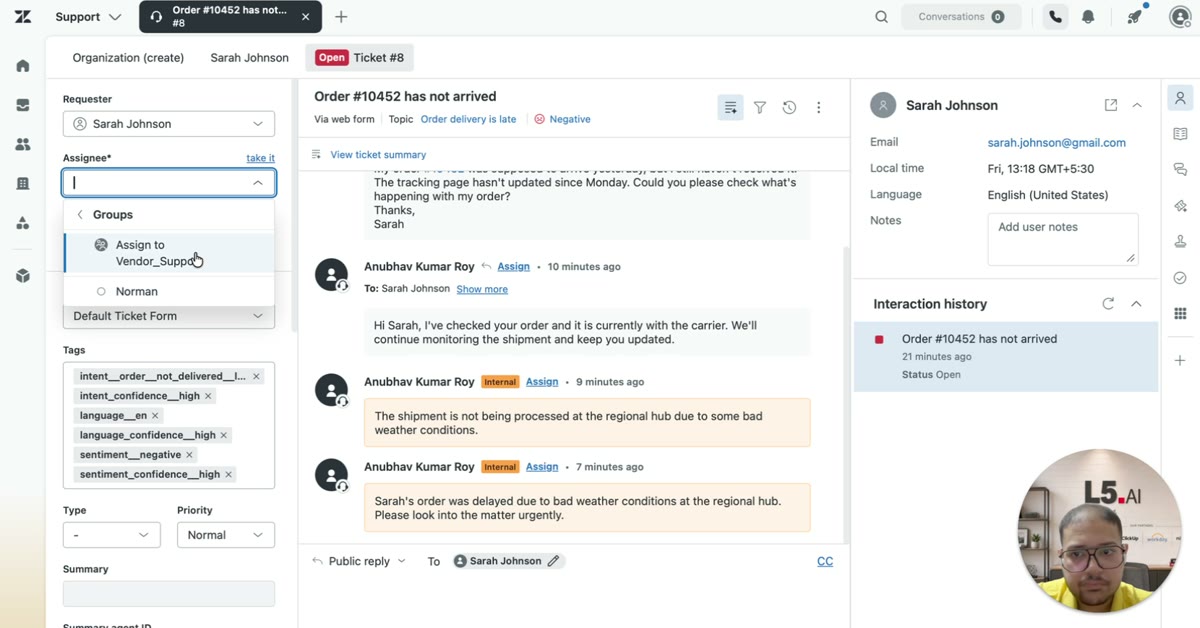
A public reply emails the customer. An internal note is visible only to agents, and it is what carries a ticket into another group without a rewrite.
3 min/Sep 2026 Watch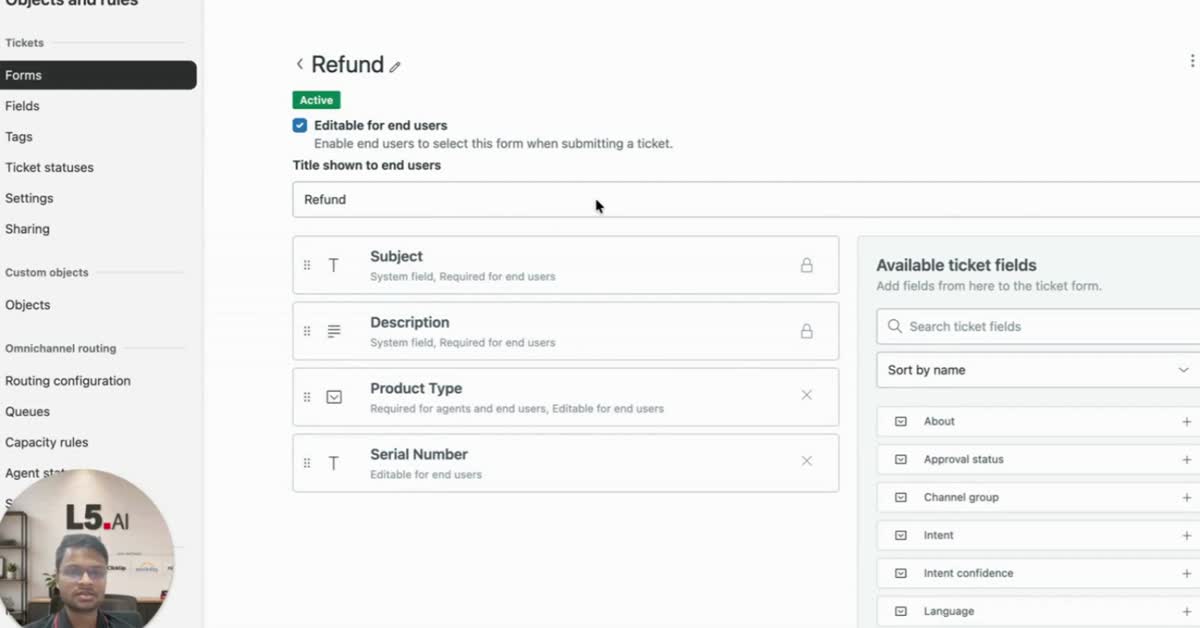
A ticket form is the curated set of fields a request arrives with. How forms are built in Zendesk, and the five problems the right form solves.
3 min/Sep 2026 Watch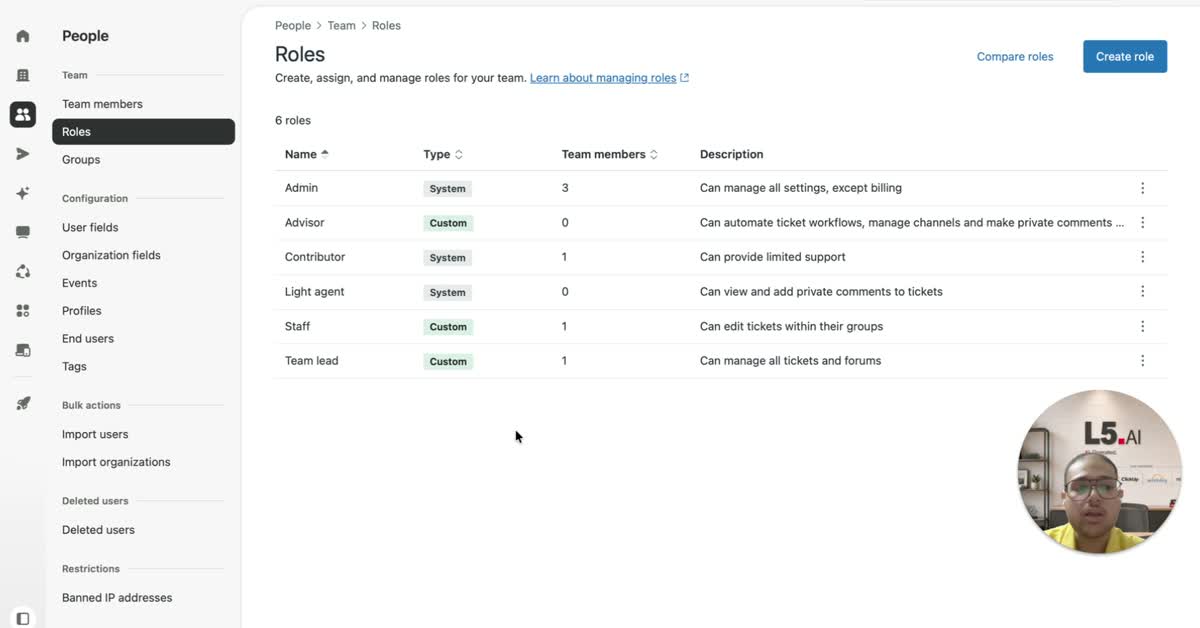
Team members, roles, and groups decide who works on what and what each person can reach. How the three fit together in Zendesk, and when to create a new role.
3 min/Sep 2026 Watch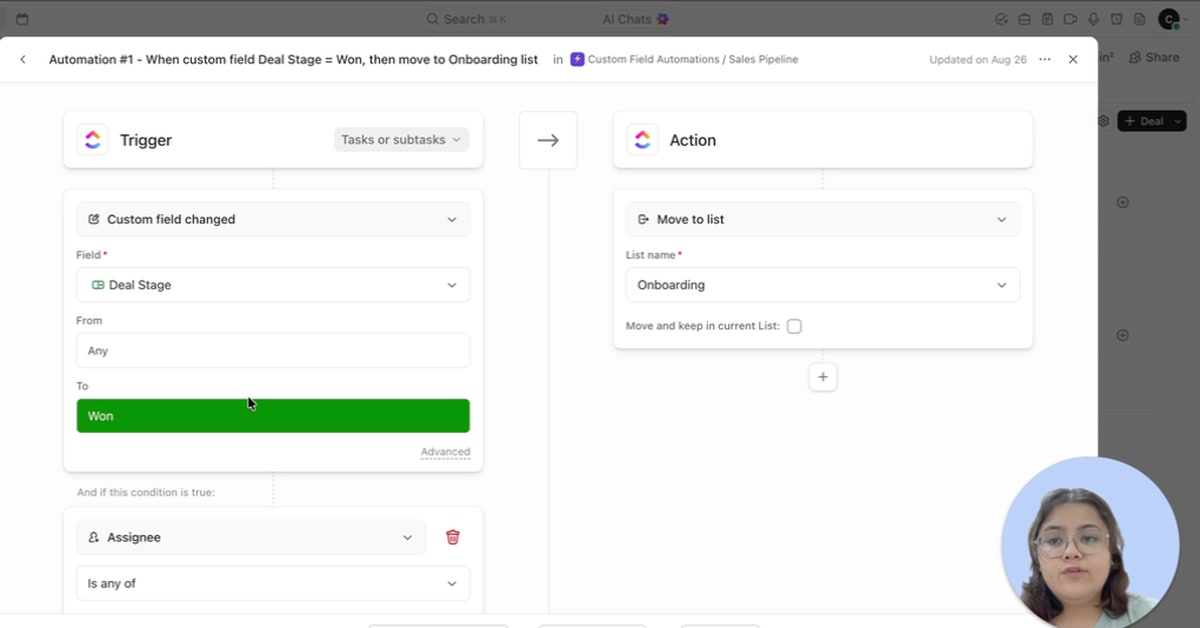
ClickUp custom field automations: how a custom field works as a trigger, as a condition and as an action, built on a live sales pipeline.
3 min/Sep 2026 Watch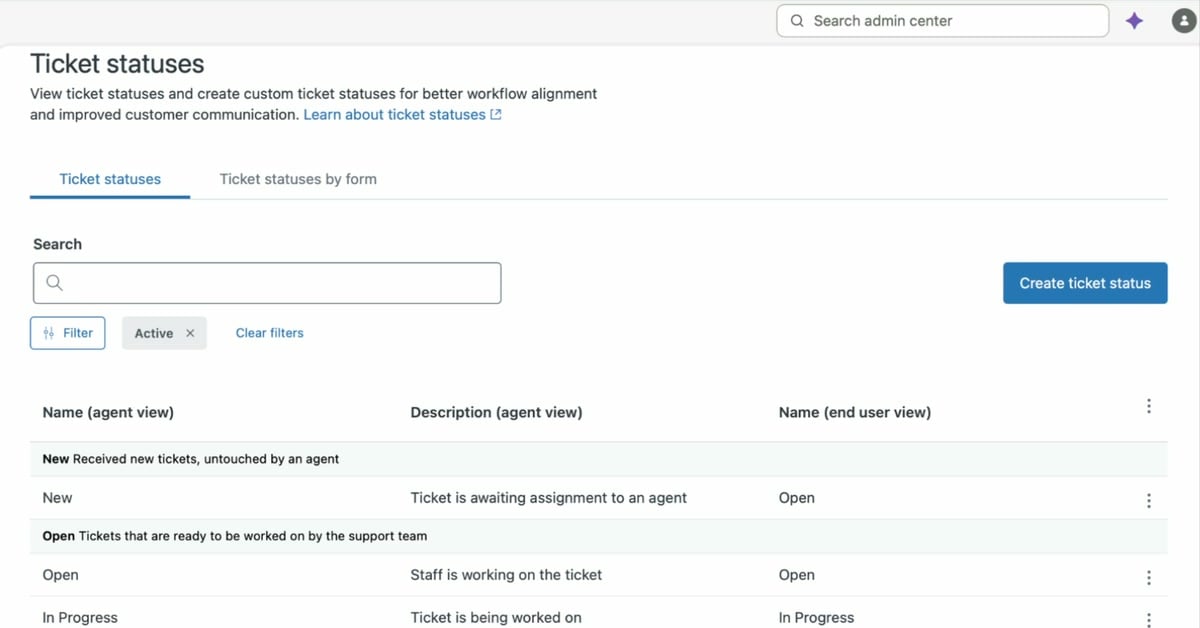
Zendesk custom ticket statuses behave by the category they sit in. Five common mistakes with ticket statuses and categories, and the correction for each.
4 min/Sep 2026 Watch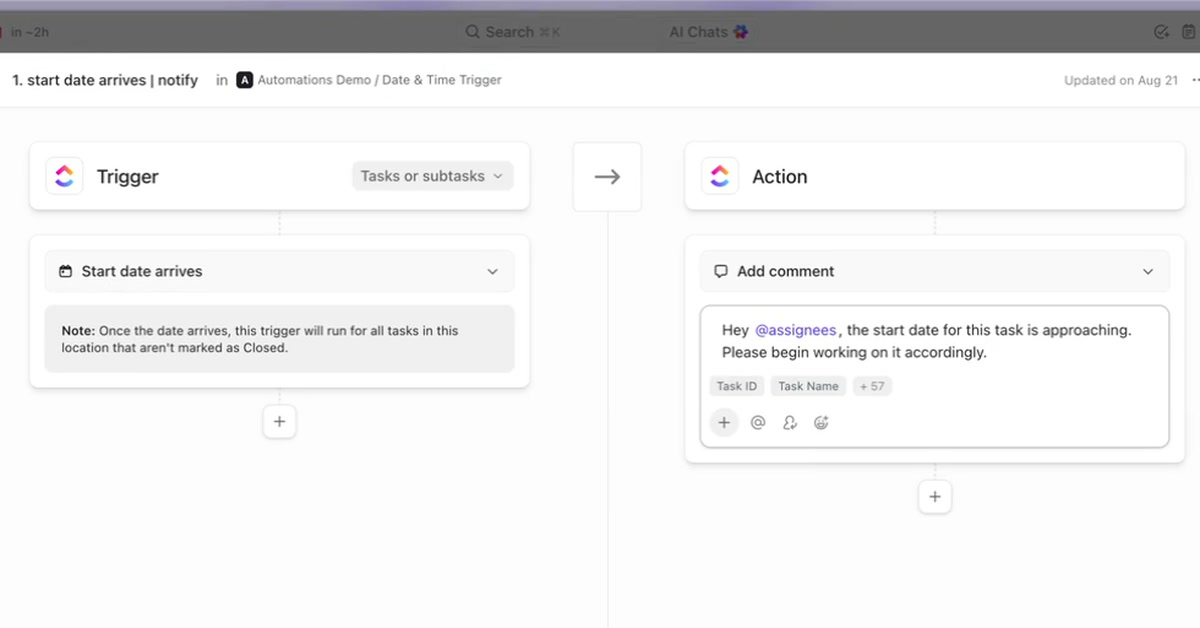
Automate deadline reminders in ClickUp with date and time triggers: four automations on a live task list, from a start date comment to overdue escalation.
2 min/Aug 2026 Watch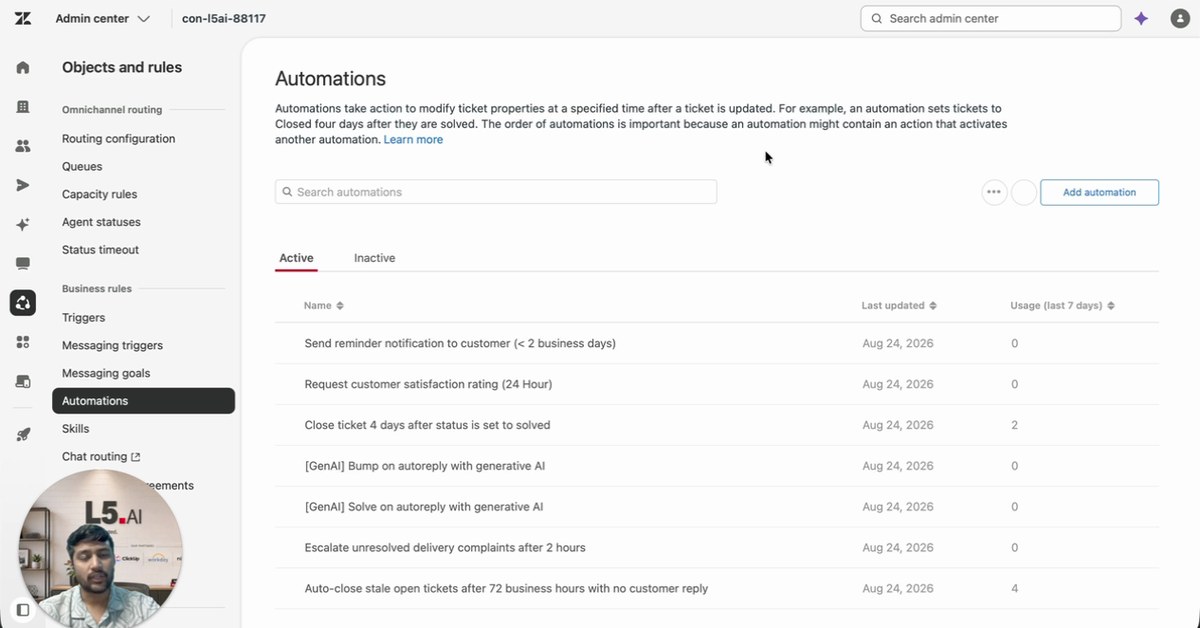
Zendesk automations run once per hour and act because time has passed. How conditions and actions fit together, and why each one needs an off switch.
4 min/Aug 2026 Watch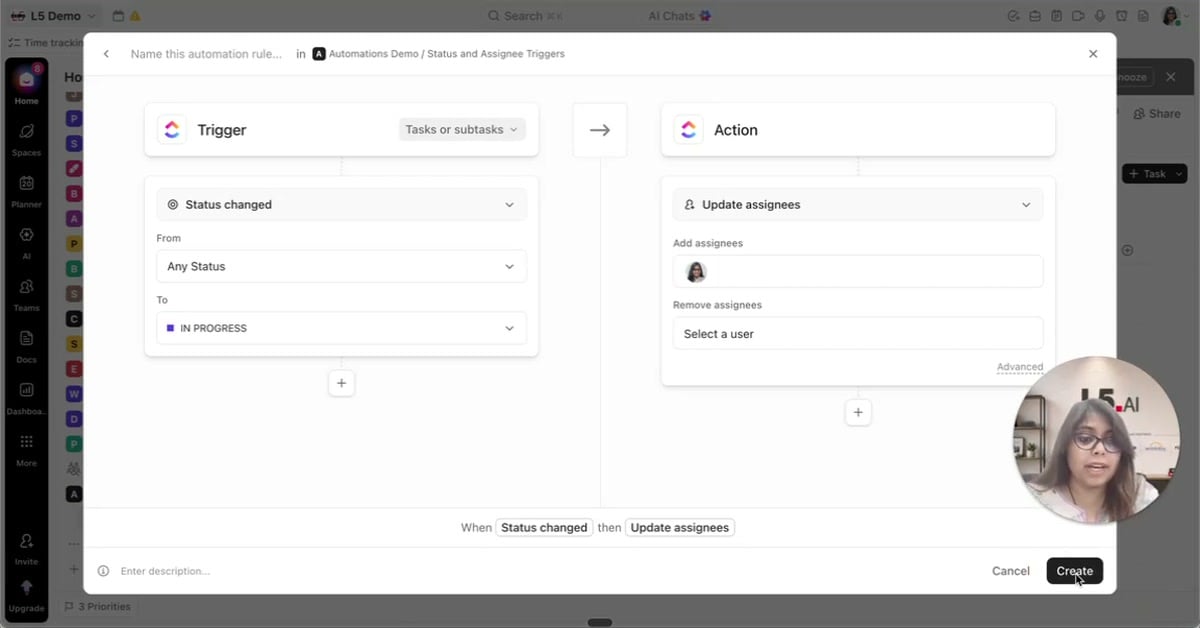
A ClickUp automation is a rule that moves a task forward on its own. Two triggers every team should set up, built end to end in the automations builder.
2 min/Aug 2026 Watch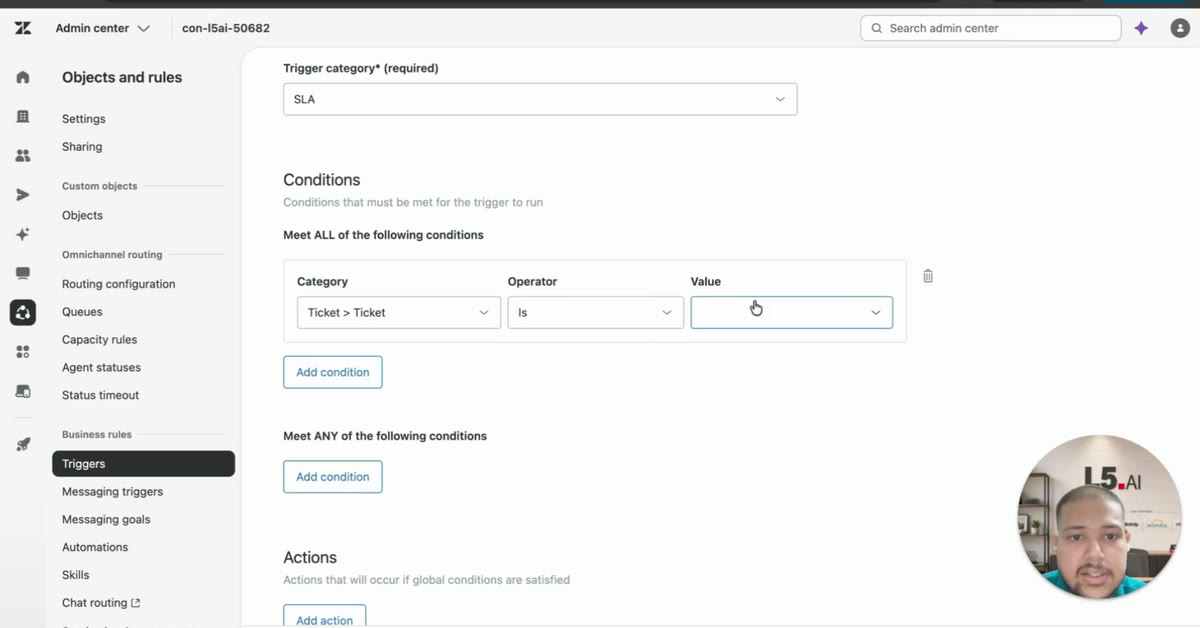
A Zendesk trigger is a rule that runs the moment a ticket is created or updated. How to build one in Admin Center, from conditions through actions.
3 min/Aug 2026 Watch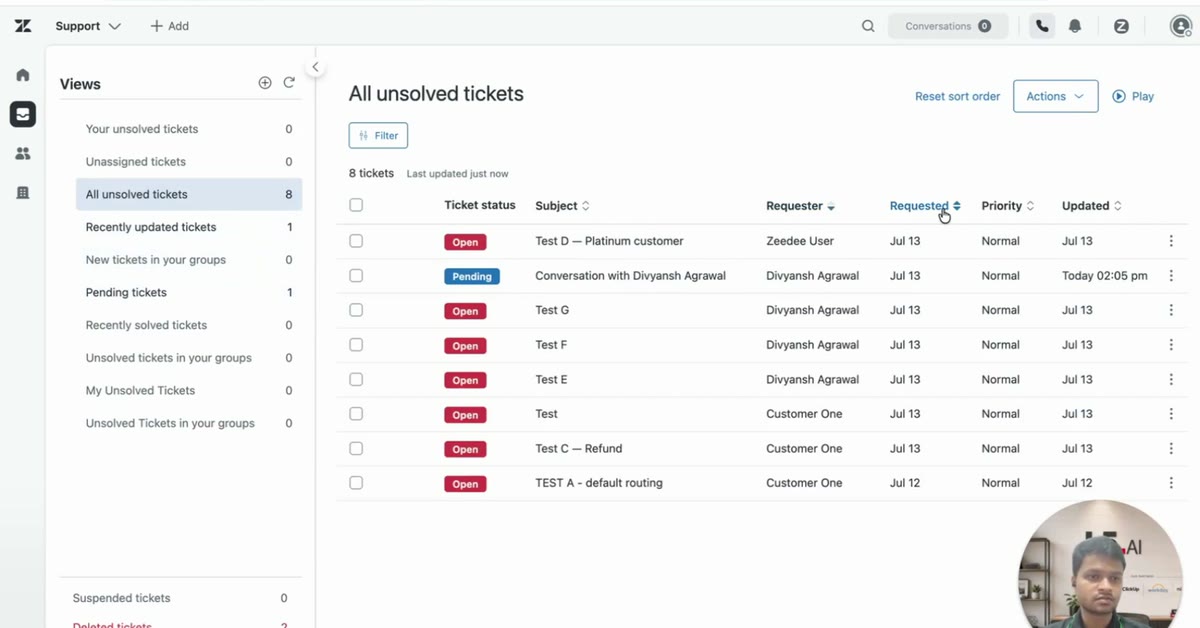
A view in Zendesk is a saved, self-updating list of tickets that match a condition. The five default views, and where admins create and manage them.
3 min/Aug 2026 Watch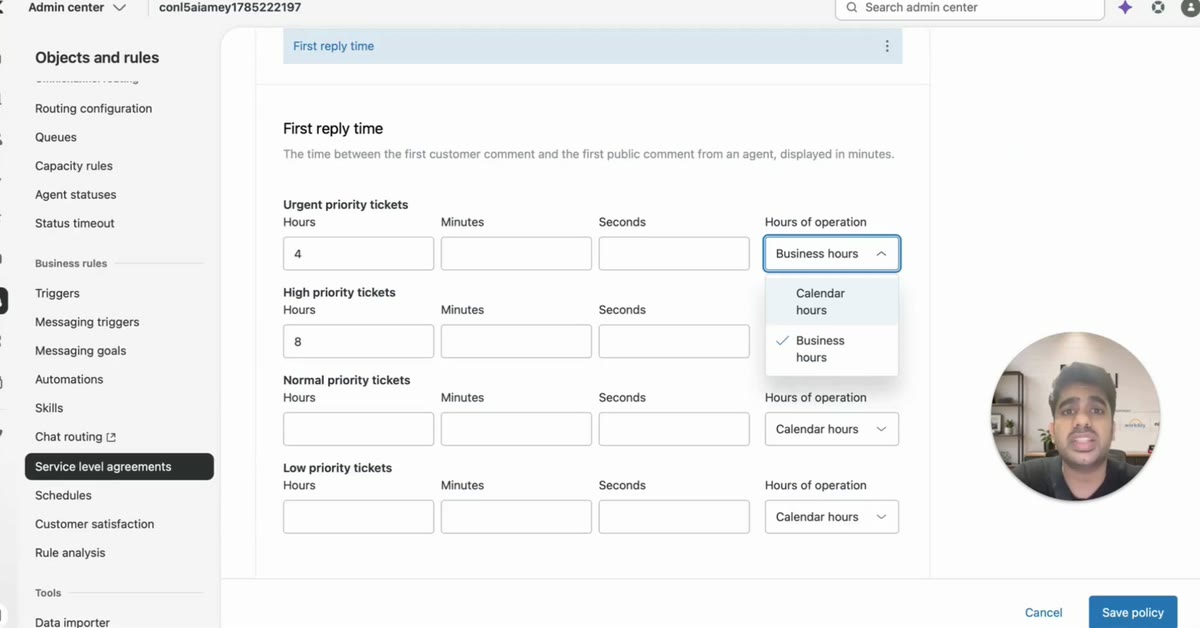
Weekend SLA breaches usually trace back to Zendesk business hours configuration. Five common mistakes in schedules and holidays, with the correction for each.
3 min/Aug 2026 Watch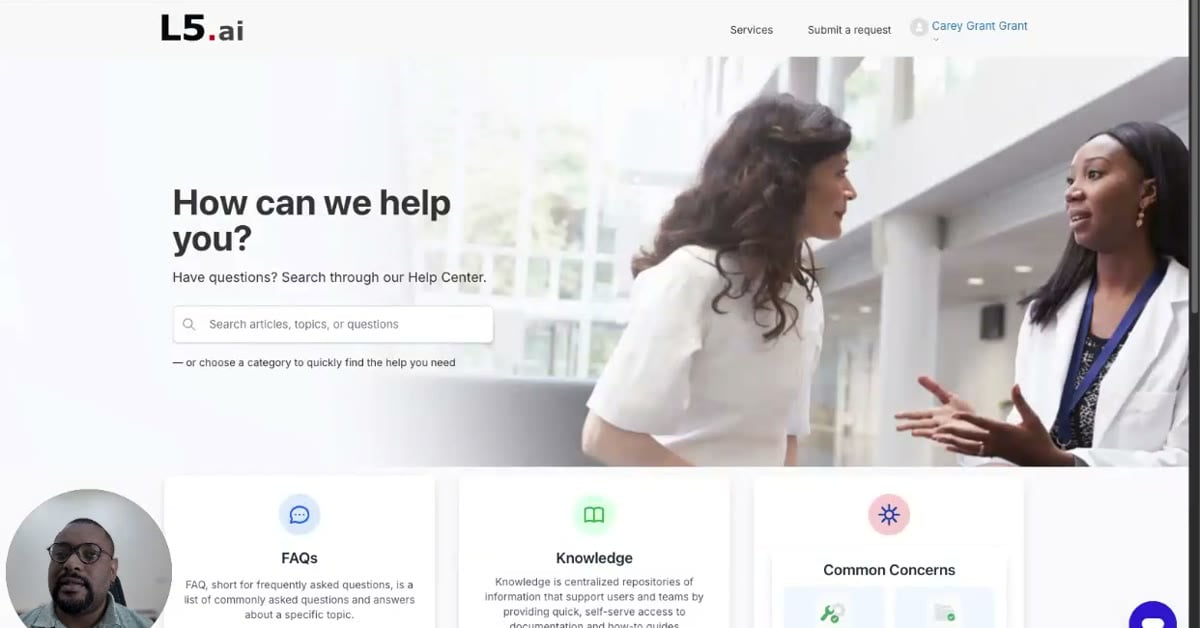
Zendesk employee self-service from one help center portal: search AI answers, chat with an agent, request services from the catalog and track tickets.
2 min/Jul 2026 Watch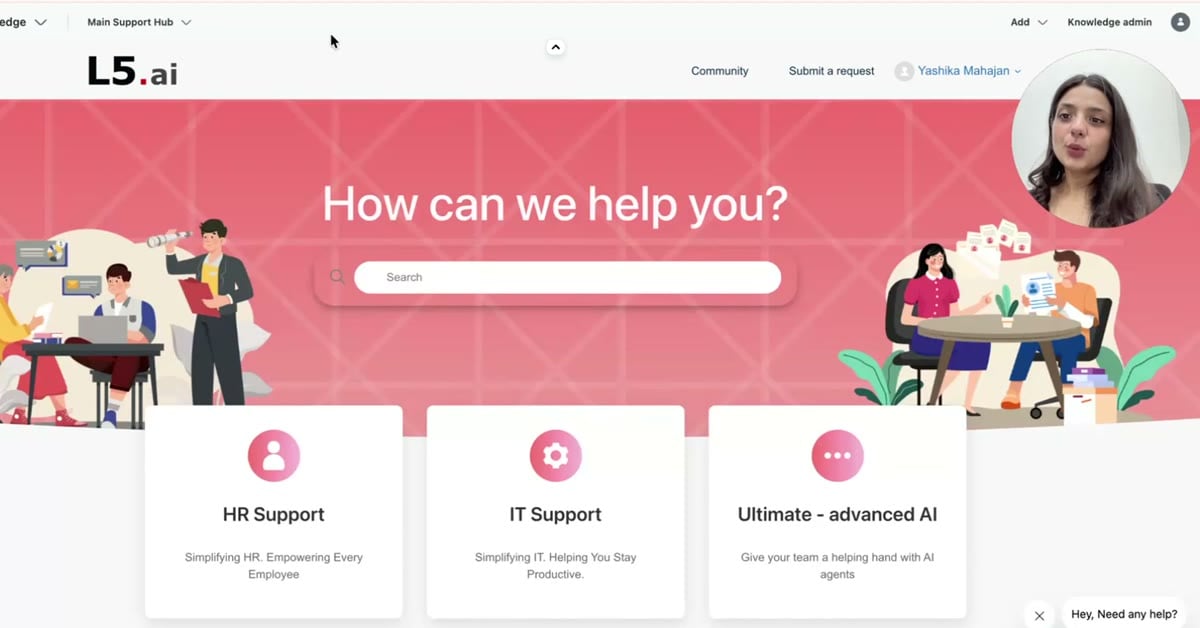
Yes, you can run separate HR and IT help centers on one Zendesk account. Zendesk brands give each team its own self-service help center.
3 min/Jul 2026 Watch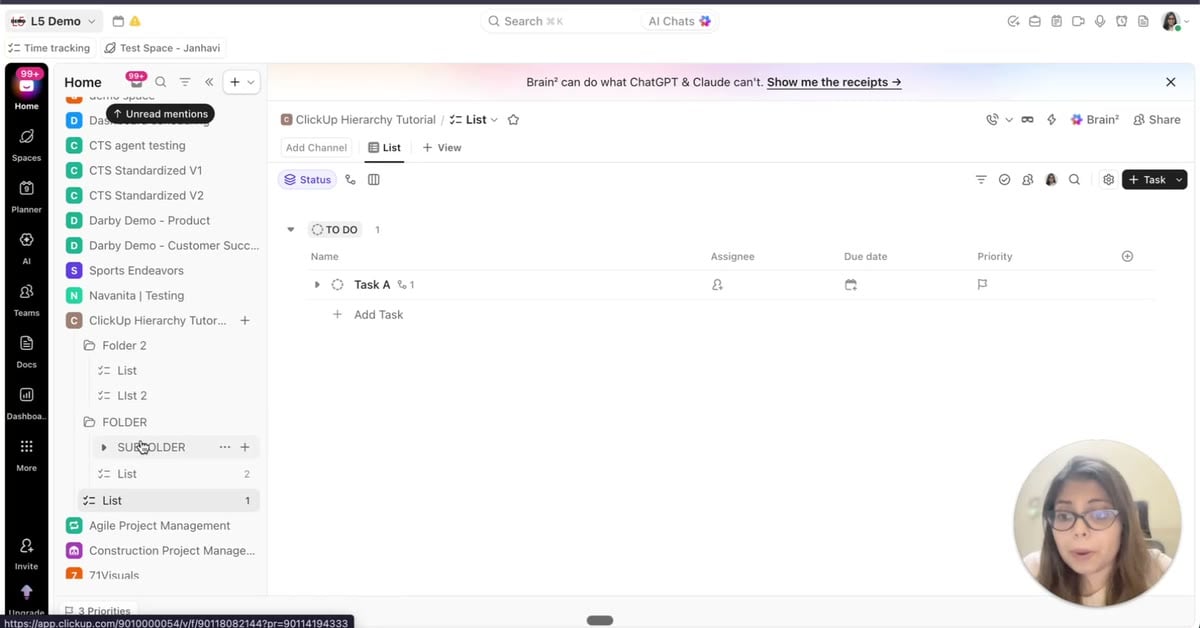
A quick walkthrough of how ClickUp organizes work, from workspaces down to subtasks, plus the most common structure mistake teams make.
3 min/Jul 2026 Watch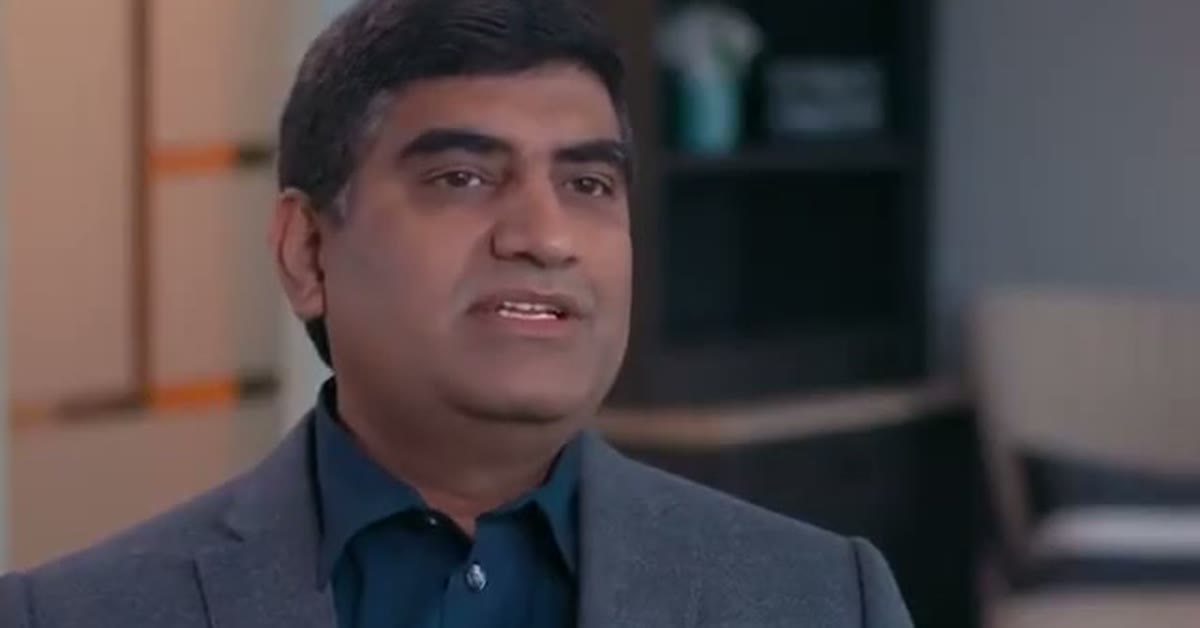
L5 co-founders Bipin Paracha and Anu Bulusu on building L5, featured on The American Dream on Bloomberg TV.
6 min/Dec 2023 Watch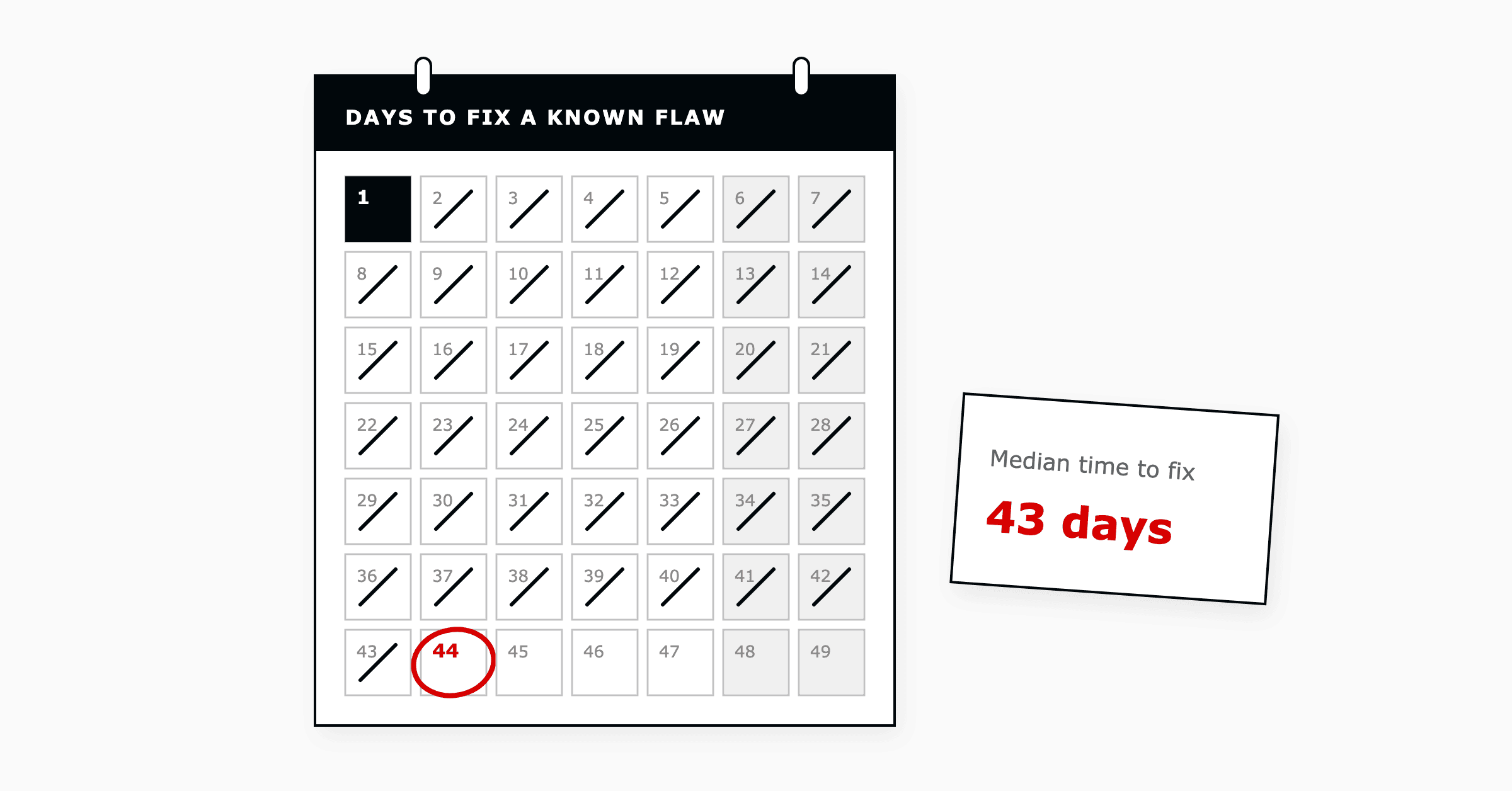
What endpoint management is, its four core jobs (inventory, patching, monitoring, remote access), how the agent works an...
Read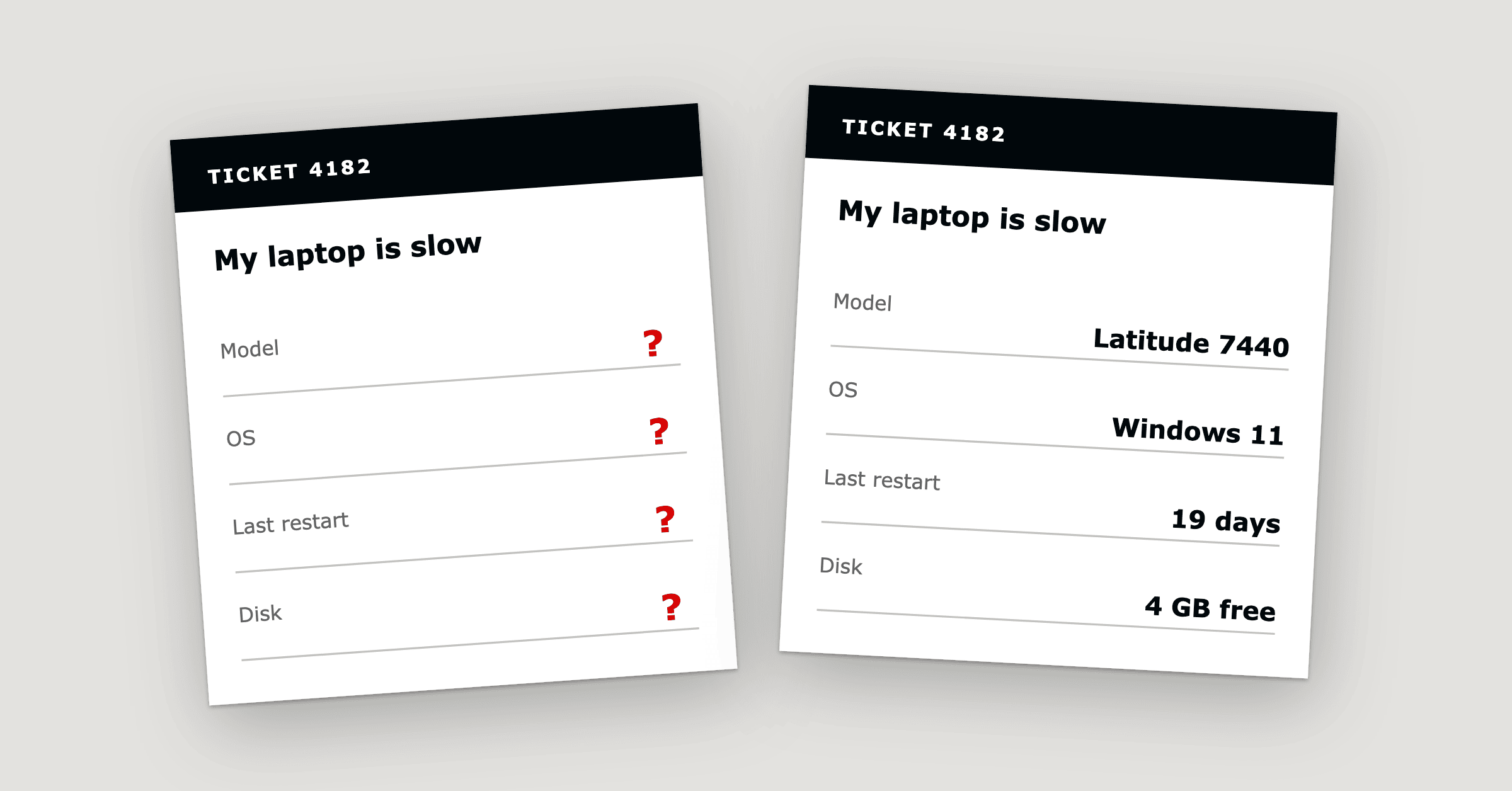
Why hardware tickets start with 20 questions, which ones endpoint data can answer, and five steps to put device details ...
Read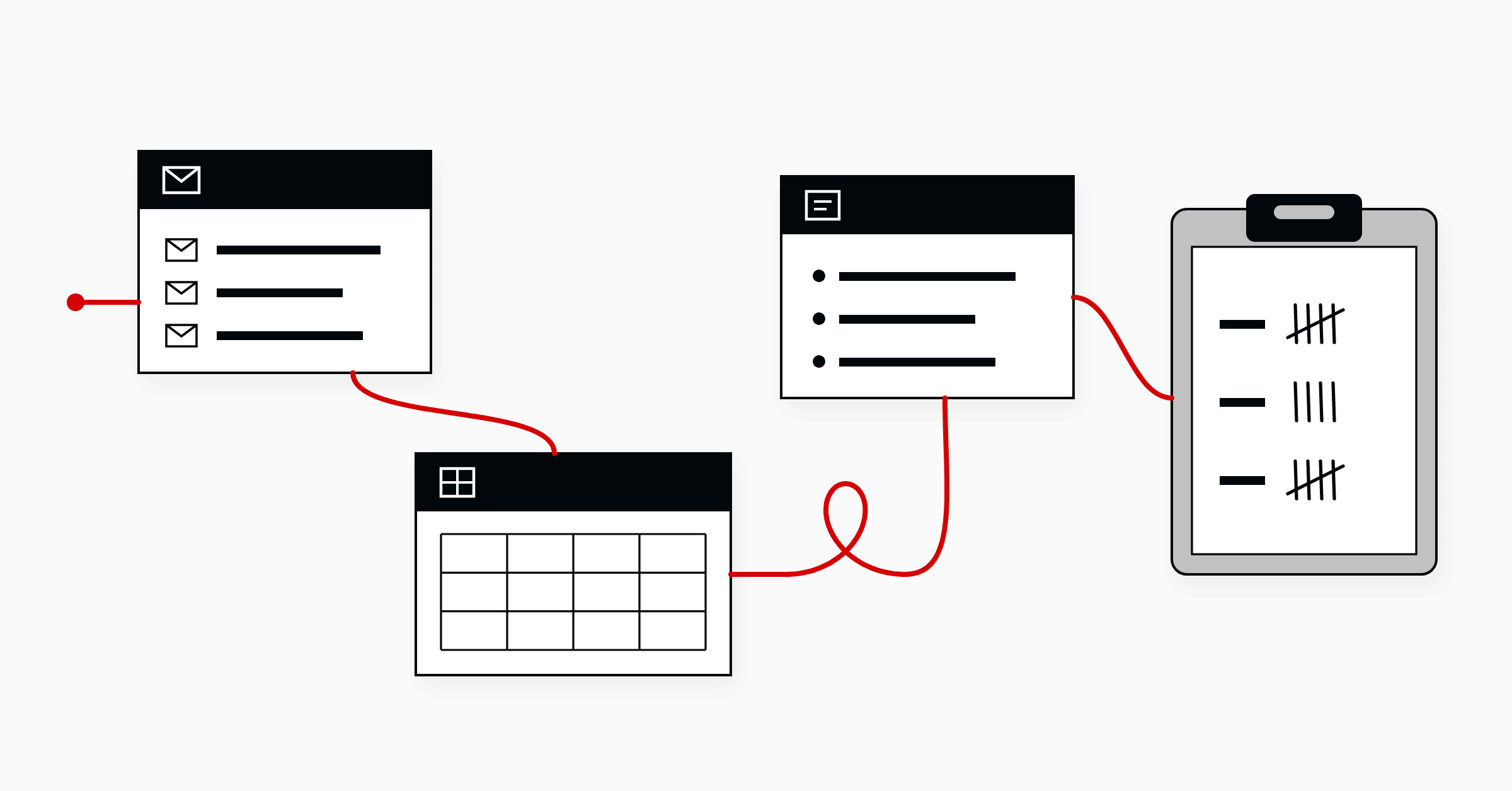
The five ITSM pain points IT teams raised most in our calls, what each costs the service desk, why AI does not fix them,...
Read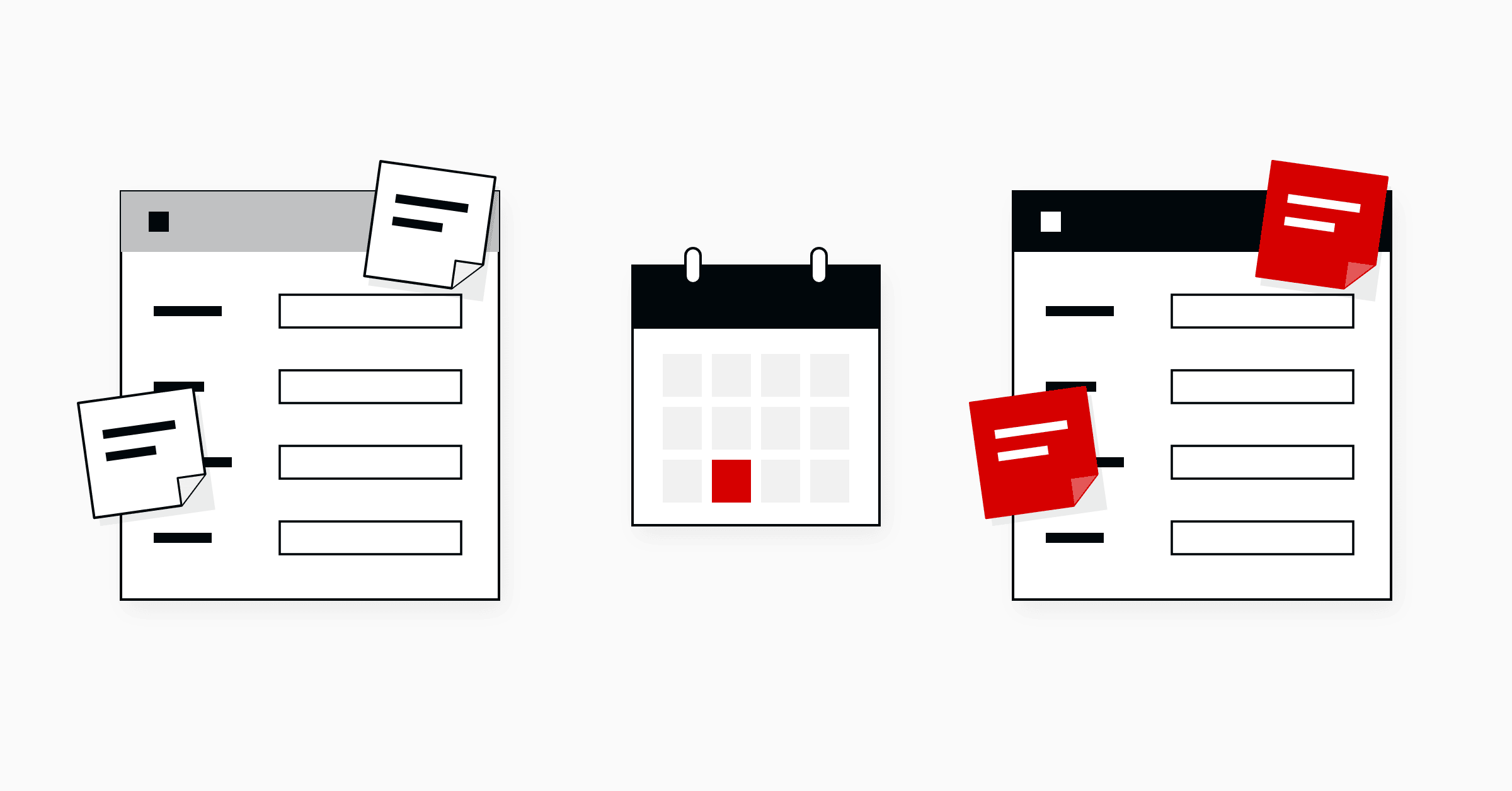
Acquisitions, audits and fixed go-live dates force ITSM migrations. Four client cases show how to redesign the service a...
Read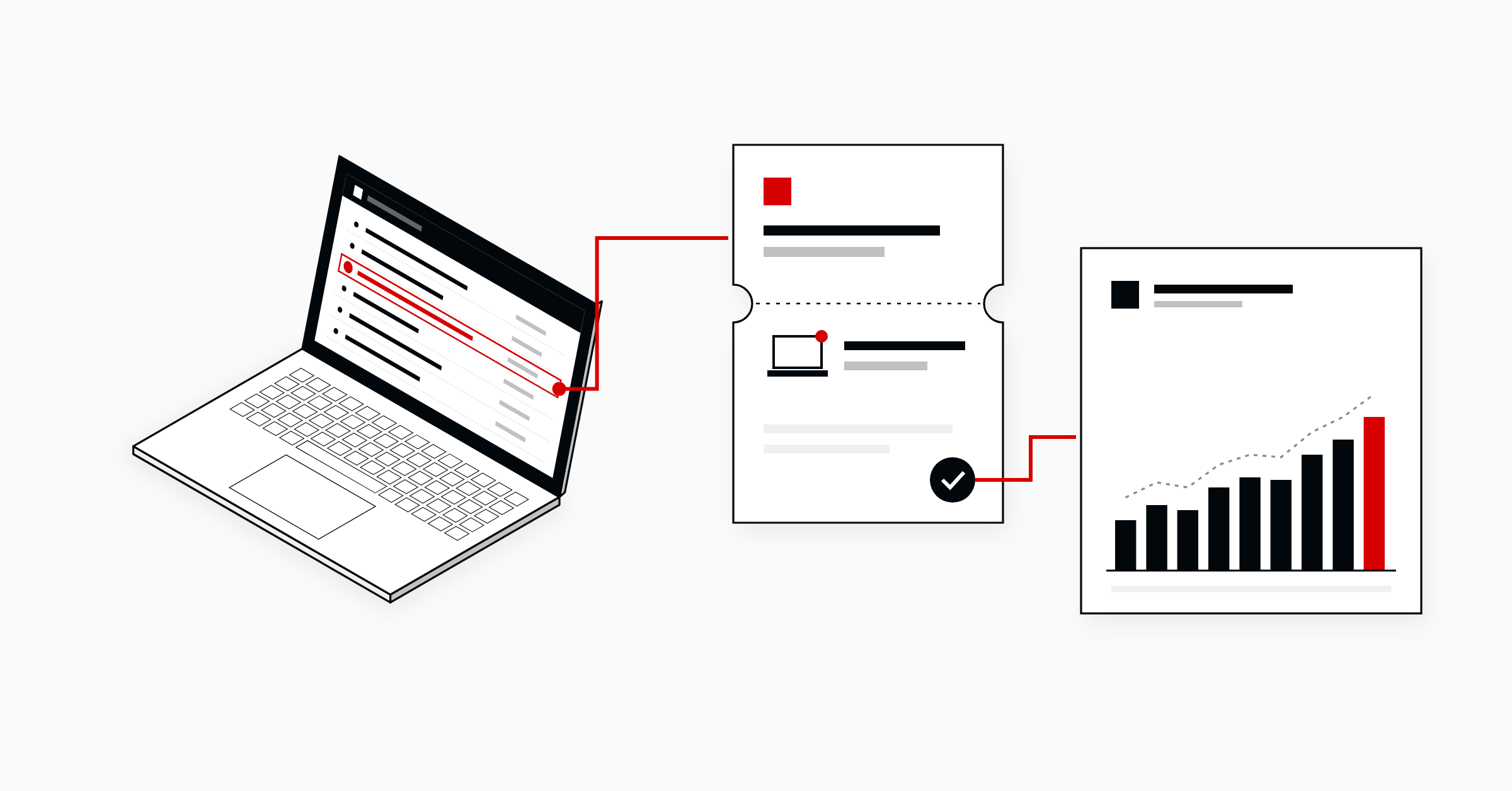
Endpoint management owns the device, the service desk owns the ticket. See how running them as one system gives AI the c...
Read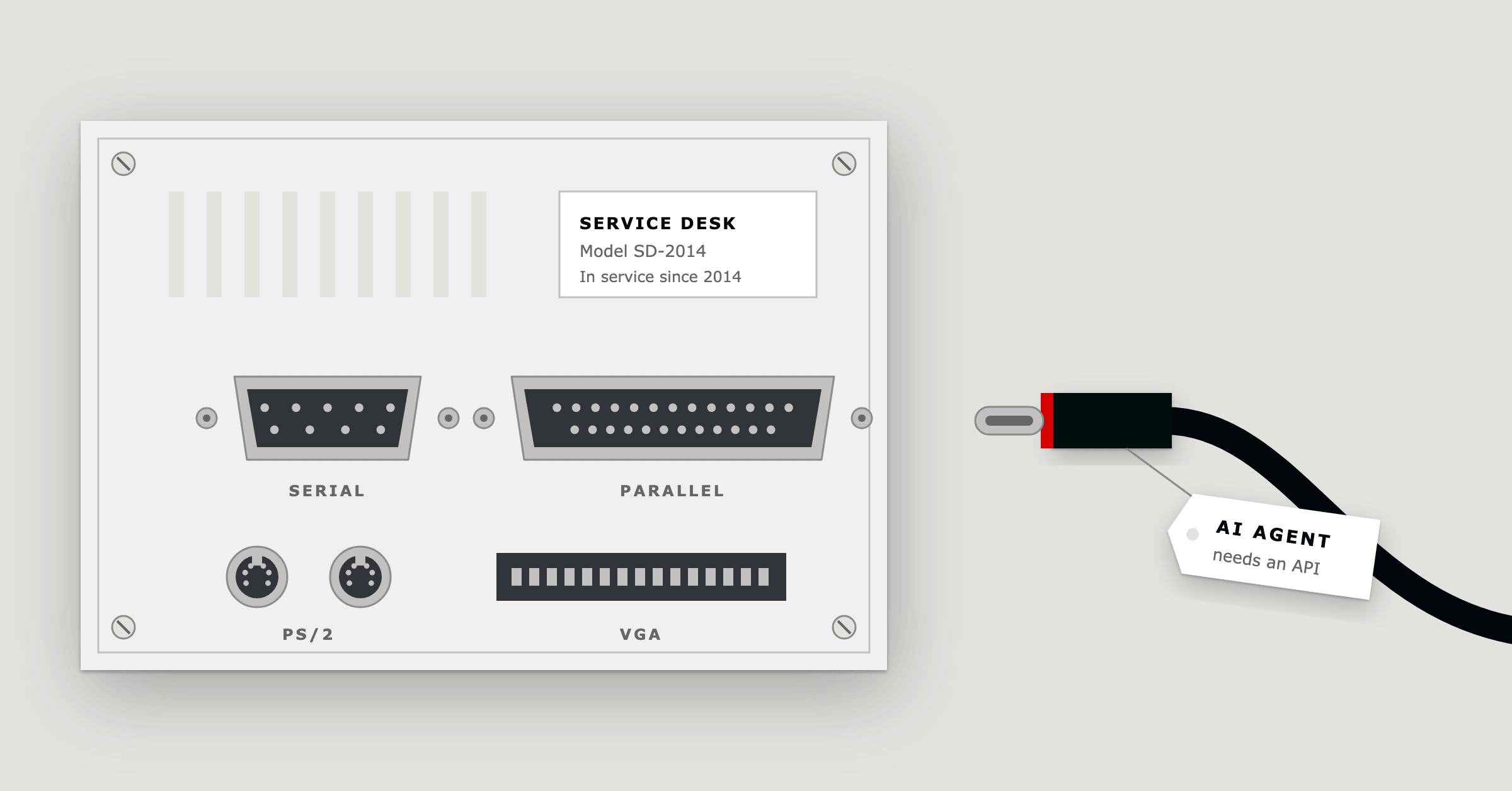
Legacy systems cap service desk AI at copilot. See the three foundations AI needs, where legacy weakens each one, and a ...
Read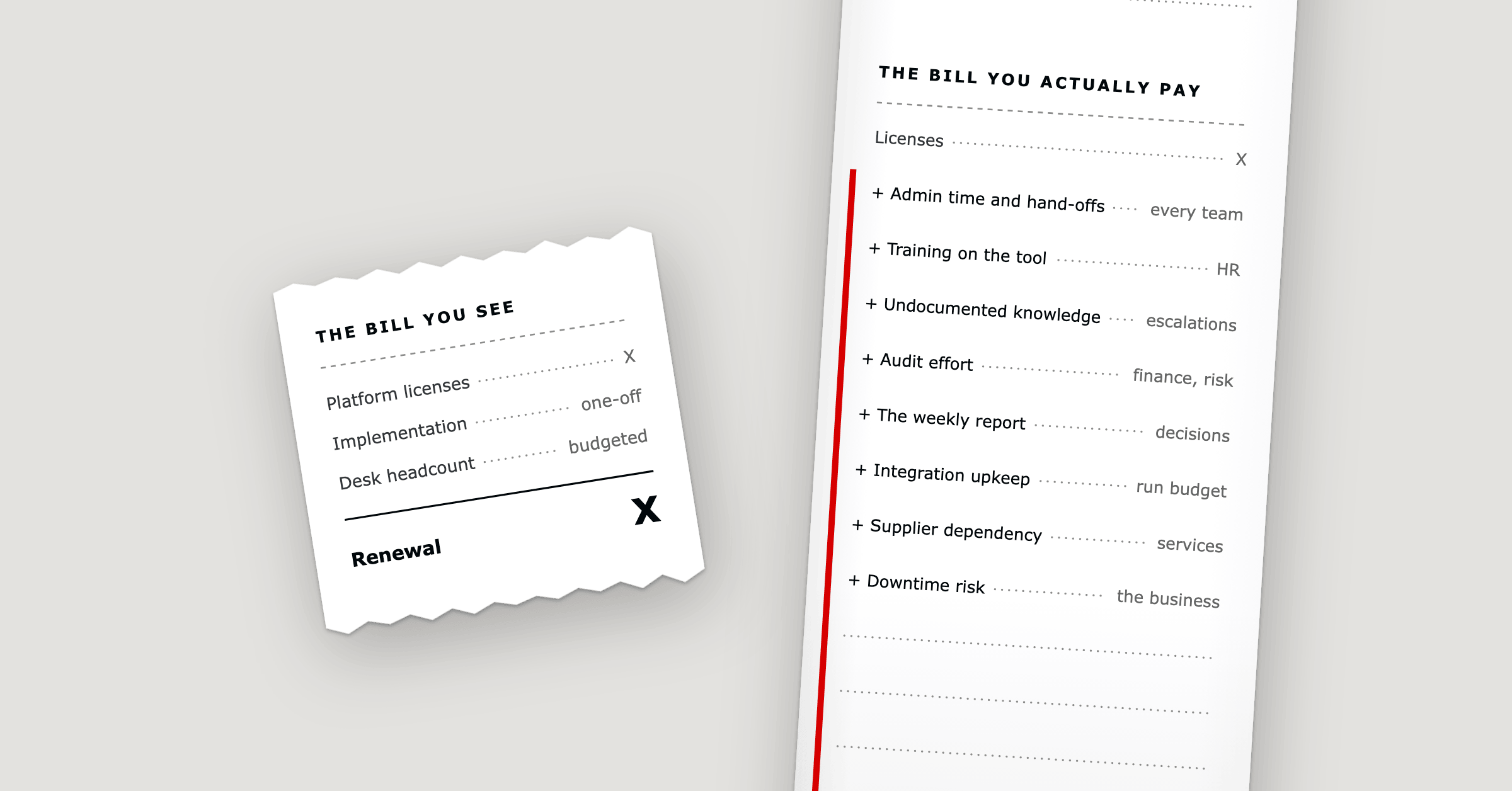
The license is a fraction of ITSM total cost of ownership. See the 8 hidden costs, how to measure each one, and a formul...
Read
Copilot, automation, and autonomous AI get sold as one word. What separates them, and the four controls that keep a depl...
Read
Resolution Learning Loop is Zendesk's term for how its platform improves with every interaction. What Zendesk includes i...
Read
What a Zendesk implementation covers, what managed services add after go-live, and how to tell which one your team needs...
Read
Zendesk FAQ: answers to the 30 questions buyers ask most, on Zendesk pricing, AI agents, implementation, and comparisons...
Read
ClickUp pricing broken down: every plan, monthly vs annual, AI credits, real team-cost examples, discounts, and where te...
Read
Straight answers to the 30 questions buyers ask most about ClickUp: what it is, pricing, features, comparisons, and impl...
Read
Zendesk, NinjaOne, and L5 partnered to launch a unified IT service and endpoint management bundle on AWS Marketplace. Op...
Read
Professional services firms have the platforms. They run projects in spreadsheets anyway. The PSA gap is an operations p...
Read
What a ClickUp Diamond Partner actually does: the top tier of ClickUp's partner program, and how it differs from a stand...
Read
Pre-configured ITSM workflows change the economics of going live. Incident, problem, change, and service catalog built b...
Read
AI-operated IT support is not a chatbot. It is AI agents that route, deflect, and remediate, governed by a human operato...
Read
AI agents drift. Knowledge gaps accumulate. Routing breaks on untested edge cases. Unoperated AI is slow, invisible deca...
Read
Most organizations have implemented AI. Fewer are operating it. The gap between deployed and operated is where outcomes ...
Read
Three states of enterprise AI. Most organizations know which one they are in. Very few know what it costs to stay there,...
Read
Connect ClickUp to Make.com step by step, with the exact modules to use and 8 no-code automations to build. Make vs Zapi...
Read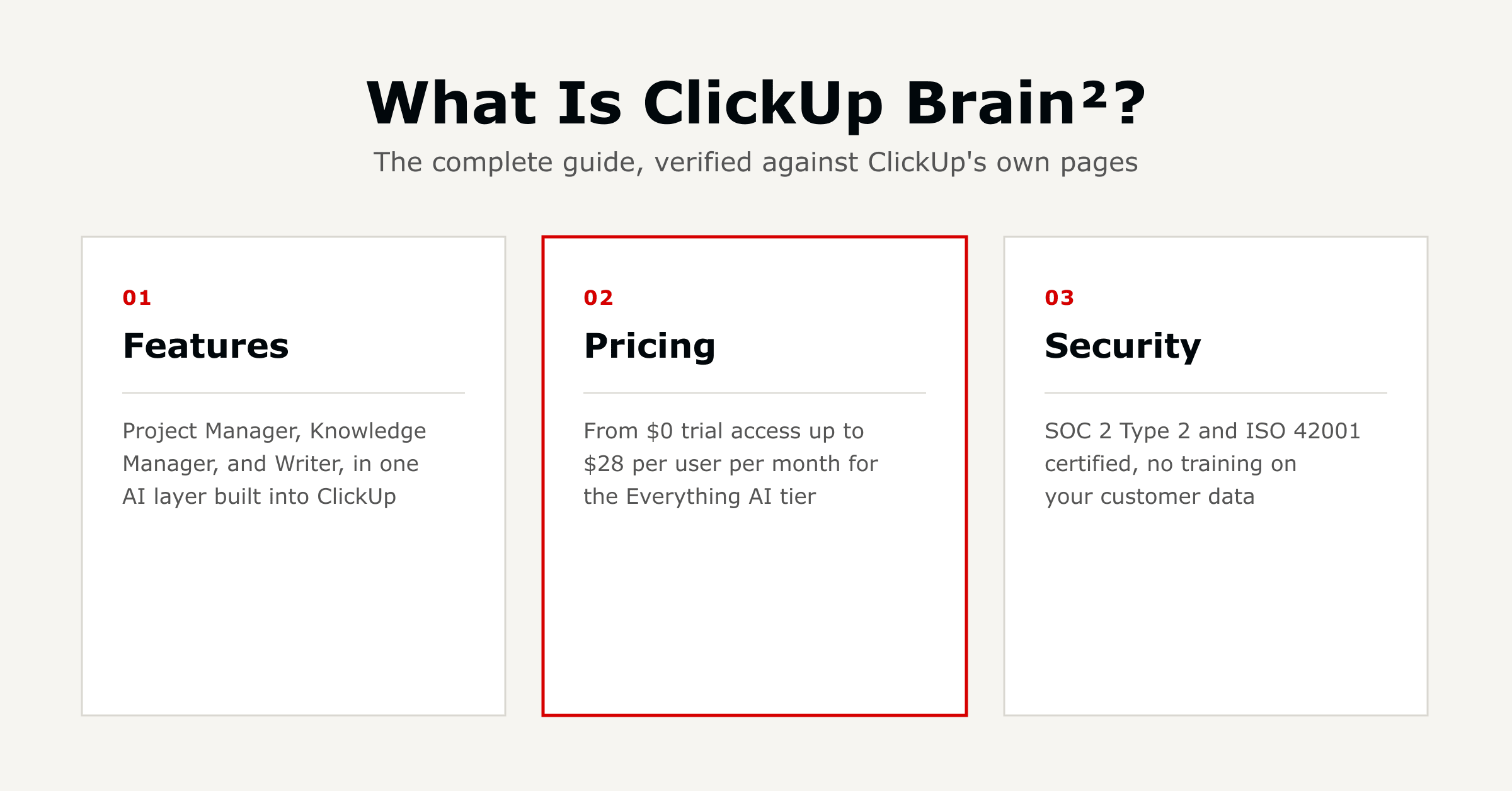
The complete guide to ClickUp Brain, now Brain², covering what it does, current pricing, security, and how it compares t...
Read
How non-profits use ClickUp: 10 real workflows for fundraising, volunteer management, grant tracking, and donor outreach...
Read
The 7 most common ClickUp implementation challenges, from feature overload to adoption, and the fix for each, plus how L...
Read
Whether ClickUp suits a marketing agency: the four problems it solves for client work, where it falls short, and what ag...
Read
Migrate to ClickUp in six steps, with a source-by-source list of what each importer does not carry over, from Jira and A...
Read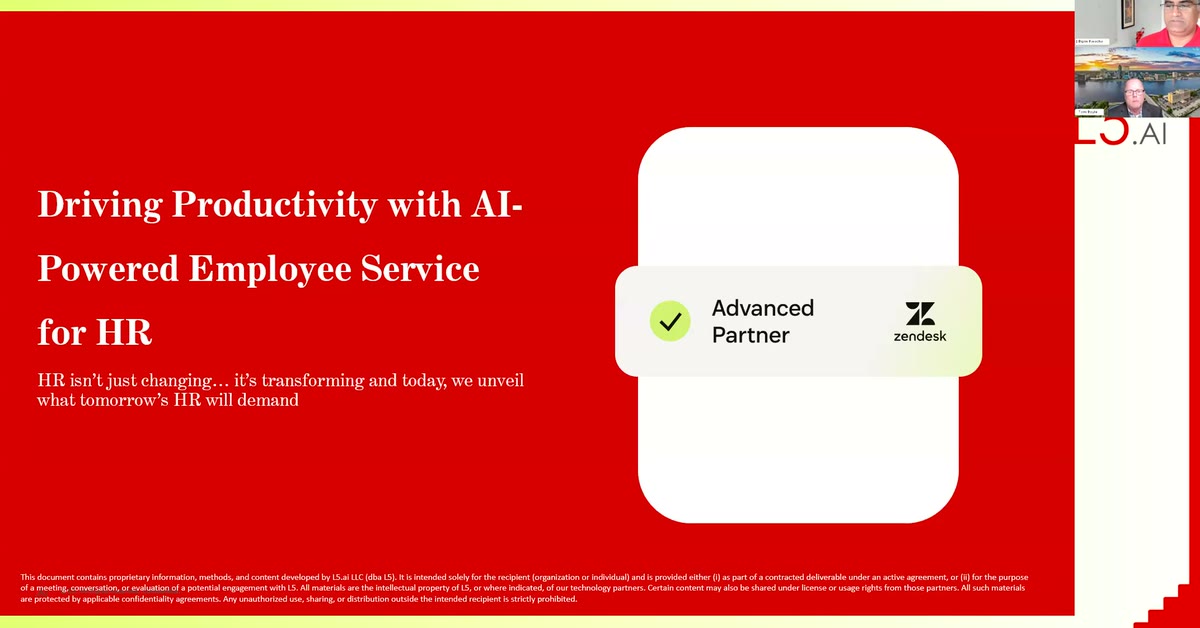
L5 and Zendesk show how knowledge management powers HR service, blending automation with human assistance.
Aug 26, 2025/61 min WatchAn L5 and Zendesk dinner for the Zendesk Bay Area sales team at Wayfare Tavern in San Francisco, hosted with Diana Dorobek.
Aug 6, 2026 RegisterRecapL5 and Zendesk hosted a private bourbon tasting for senior IT, CX, and HR leaders in Lower Manhattan.
Jun 4, 2026 RegisterRecapL5 sponsored the Braindate Lounge at Zendesk Relate 2026 in Denver, where Zendesk unveiled its Autonomous Service Workforce.
May 18, 2026 RegisterRecapL5 was a Silver Sponsor and implementation partner across the four-city Zendesk CX Trends 2026 tour.
Mar 17, 2026 RegisterRecapL5 and Zendesk closed out 2025 with an invite-only year-end networking mixer, bringing clients, partners, and CX leaders together to celebrate the year and look ahead to 2026.
Dec 16, 2025 RegisterRecapAn L5 lunch and learn on leading CX change with AI, with practical guidance on putting AI to work for IT, HR, and service teams on Zendesk and ClickUp.
Dec 11, 2025 RegisterRecapAn invite-only L5 breakfast for senior CX leaders preparing for 2026, with candid discussion on operating AI to produce measurable service outcomes.
Nov 20, 2025 RegisterRecapA hands-on L5 workshop on building your first AI-enhanced service workflow, with practical guidance for IT, HR, and service teams on Zendesk.
Nov 18, 2025 RegisterRecapL5 joined the SIM Detroit Leadership Summit at One Campus Martius to show how AI changes service delivery.
Oct 21, 2025 RegisterRecapAn L5 and Zendesk networking night in October 2025 for CX and service leaders, with candid conversation on operating AI to produce measurable outcomes.
Oct 16, 2025 RegisterRecapAn L5 happy hour at Punch Bowl Social in Austin, with candid conversation on operating AI for service teams on Zendesk and ClickUp.
Sep 10, 2025 RegisterRecapTwo days in Austin on AI strategy and hands-on collaboration, helping account and service teams put AI to work on Zendesk and ClickUp.
Sep 8, 2025 RegisterRecapAn L5 strategy session in San Diego on putting AI to work across ClickUp and Zendesk, with hands-on guidance for account, service, and CX teams.
Sep 8, 2025 RegisterRecapL5 sponsored Zendesk Presents: San Diego AI Effect and led the hands-on AI Agents workshop, helping service teams put AI to work inside Zendesk.
Aug 19, 2025 RegisterRecapL5 hosted a summer lunch and cruise on Lake Minnetonka with HDI Minnesota, away from the desk and on the water.
Jul 17, 2025 RegisterRecapWhitepapers, datasheets, recorded sessions, and field notes on operating AI. Straight to your inbox, the week we publish.
No spam. Unsubscribe any time.