ClickUp My Tasks Explained
Video
My Tasks in ClickUp Home pulls every task assigned to you across the workspace into one place. What its three views, Assigned to me, Today & Overdue and Personal List, are for, and the order to check them in.
Chapters
Your work, in one place
On a team working across several projects, finding your own work means clicking through lists and spaces one at a time, and a task can go unnoticed until it is already overdue. My Tasks, in the ClickUp Home sidebar, pulls every task assigned to you across the workspace into one place, whichever space or list it lives in.
Three views
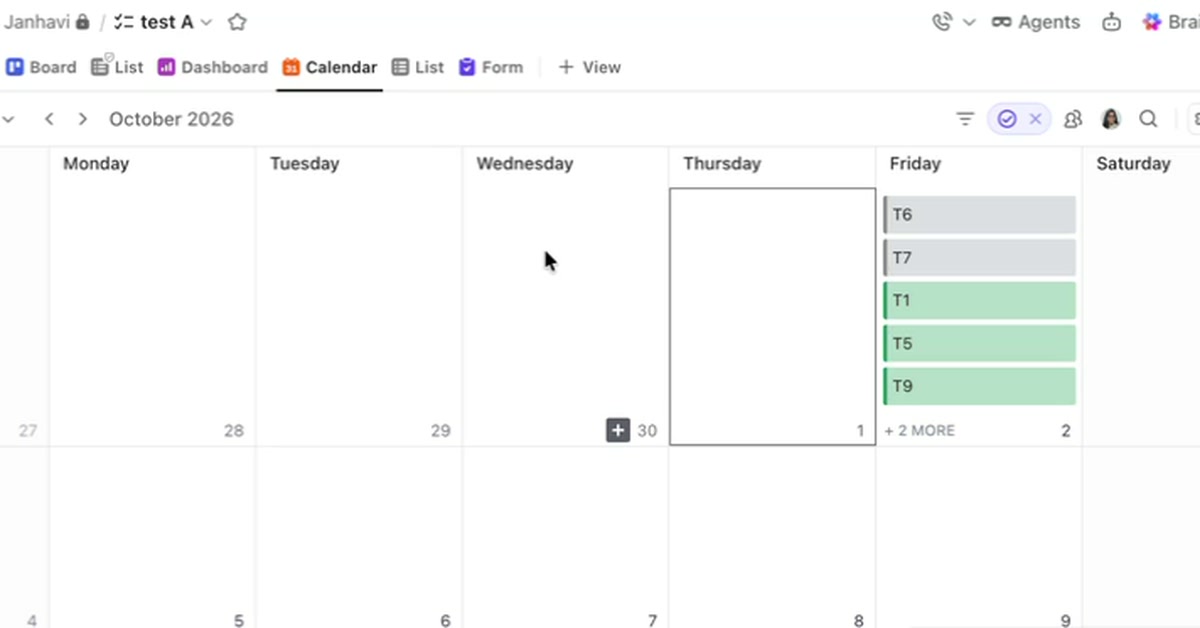
Assigned to me lists every task with your name on it, with its status, due date and the list it belongs to, which is enough to decide what to work on next. Today & Overdue narrows that to tasks due today or already past their deadline. Personal List is private: tasks created there are visible only to you, which suits reminders, notes and anything that does not belong to a project.
The walkthrough closes on a habit. Start the day in Today & Overdue, handle what is urgent, then work through Assigned to me for everything else.