A Zendesk trigger is a rule that runs the moment a ticket is created or updated. How to build one in Admin Center, from conditions through actions.
-
/
3 min watch
Chapters
Creating a trigger in Zendesk
A trigger is the rule that reacts the moment a ticket is created or updated, so setting a priority, sending a notification, or routing the ticket happens without anyone touching it.
This walkthrough builds one from scratch in Admin Center under Objects and rules. It names the trigger, adds a description and a category, then sets the condition that fires it and the action it performs.
It also covers the difference between meeting all conditions and meeting any of them, and where to activate or deactivate a trigger once it is live.
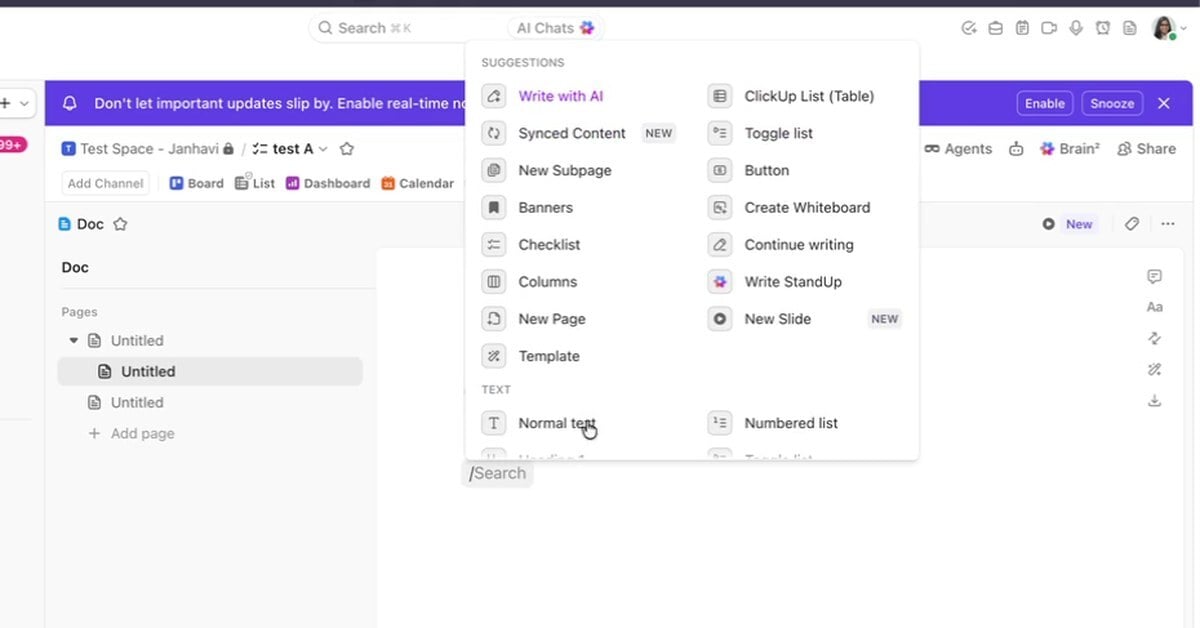
ClickUp Docs and wikis keep documentation next to the work. How to build a doc with pages and slash commands, comment in it, mark it a wiki and set access.
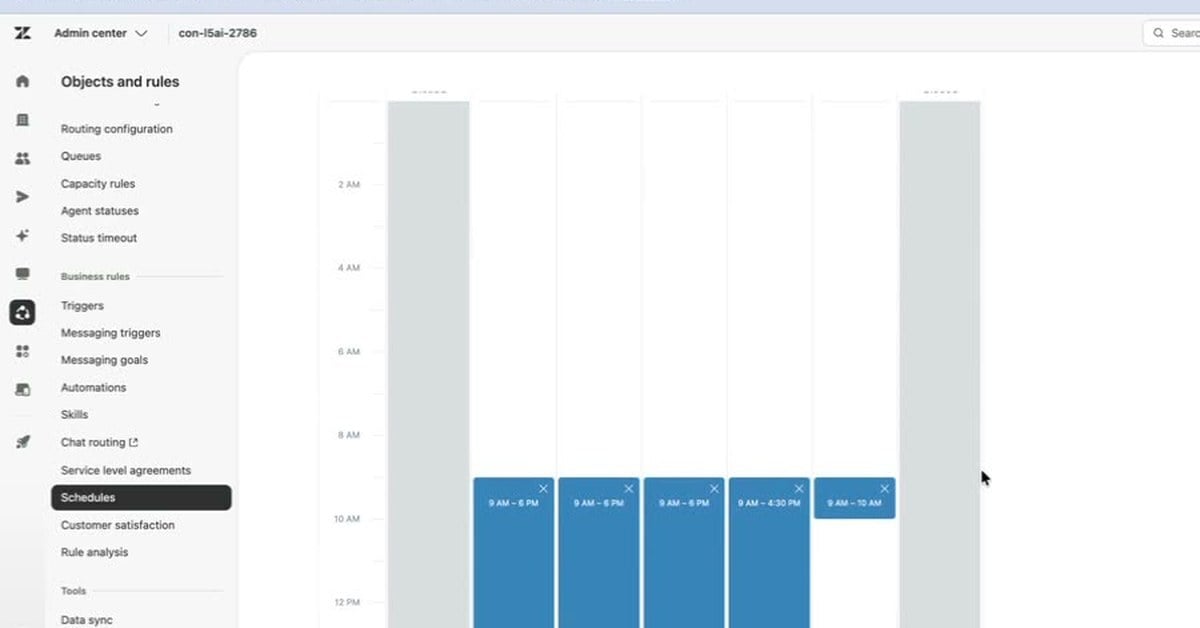
A Zendesk schedule sets your business hours and holidays, and the triggers, views and automations that use them follow it. How to set one up and test it.
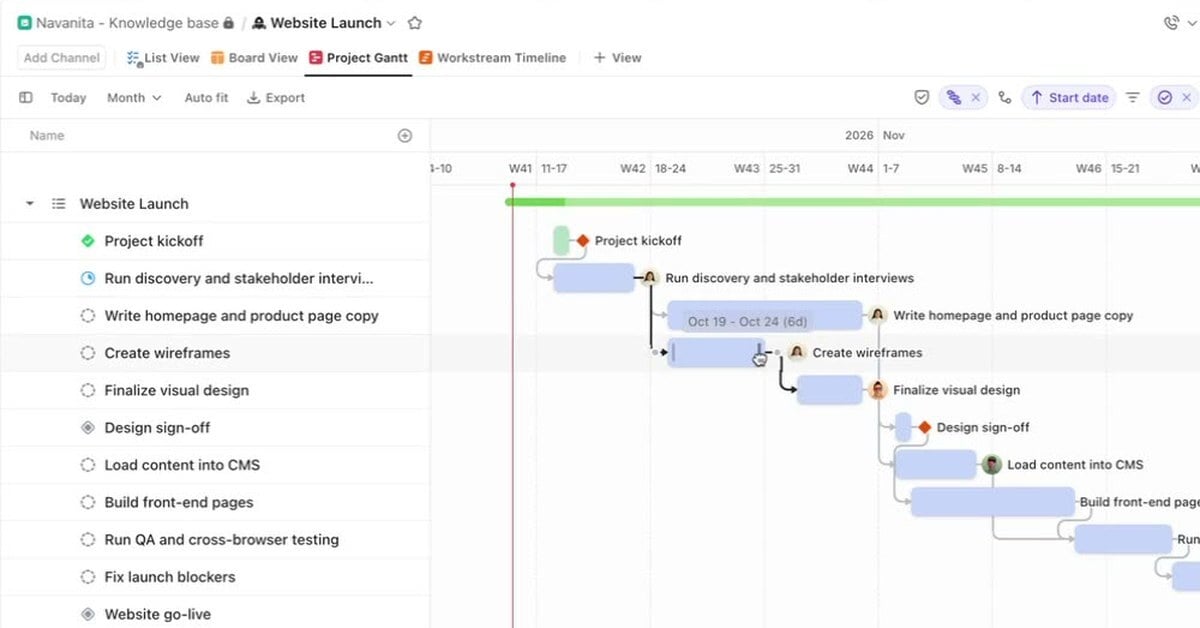
ClickUp Gantt and Timeline views both draw tasks as bars. Gantt shows dependencies and cascading reschedules; Timeline groups work by team or assignee.
3 min/Oct 2026
Watch
New resources, as soon as they land.
Whitepapers, datasheets, recorded sessions, and field notes on operating AI. Straight to your inbox, the week we publish.