Five Mistakes Behind Misleading Ticket Statuses in Zendesk
Video
Custom ticket statuses in Zendesk behave according to the category they sit in, not the name on the label. Five common mistakes with statuses and categories, with the correction for each.
-
/
4 min watch
Chapters
Ticket statuses and status categories in Zendesk
Once custom statuses are switched on, the six standard statuses become categories, and the category a status sits in decides how every rule, metric and automation treats the ticket.
This walkthrough works through five mistakes in a live Zendesk account. It starts with naming a status before choosing its category, a category that cannot be changed afterwards, and a status called Escalated to engineering that keeps reply clocks running because it sits under Open.
It then covers statuses used to record why instead of what, Explore reports that roll every custom status back into the six categories unless the status name attribute is added, and solved treated as the same state as closed. Each mistake is shown with its correction.
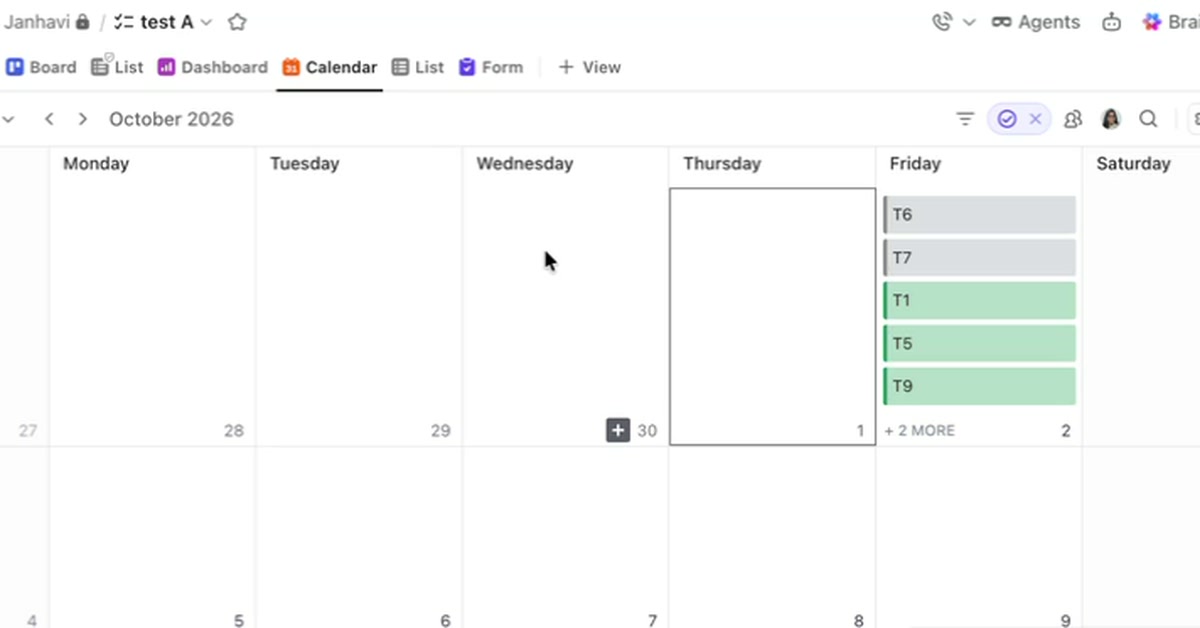
A list shows what needs doing but not when it happens. How ClickUp's Calendar view places tasks on a calendar by their dates, what a task needs to appear there, and how filters and color coding shape what the calendar shows.
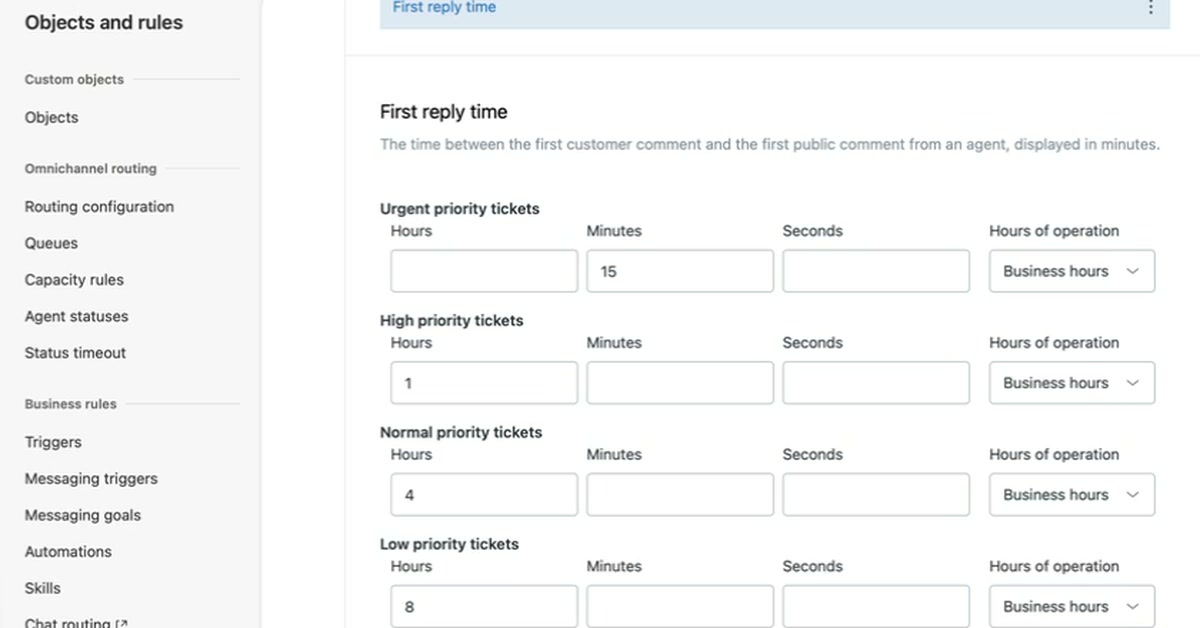
An SLA policy sets how quickly a support team must reply to and resolve tickets. How to create one in Zendesk Admin Center, set first reply time targets by priority in business hours, and confirm the policy applies to a new ticket.
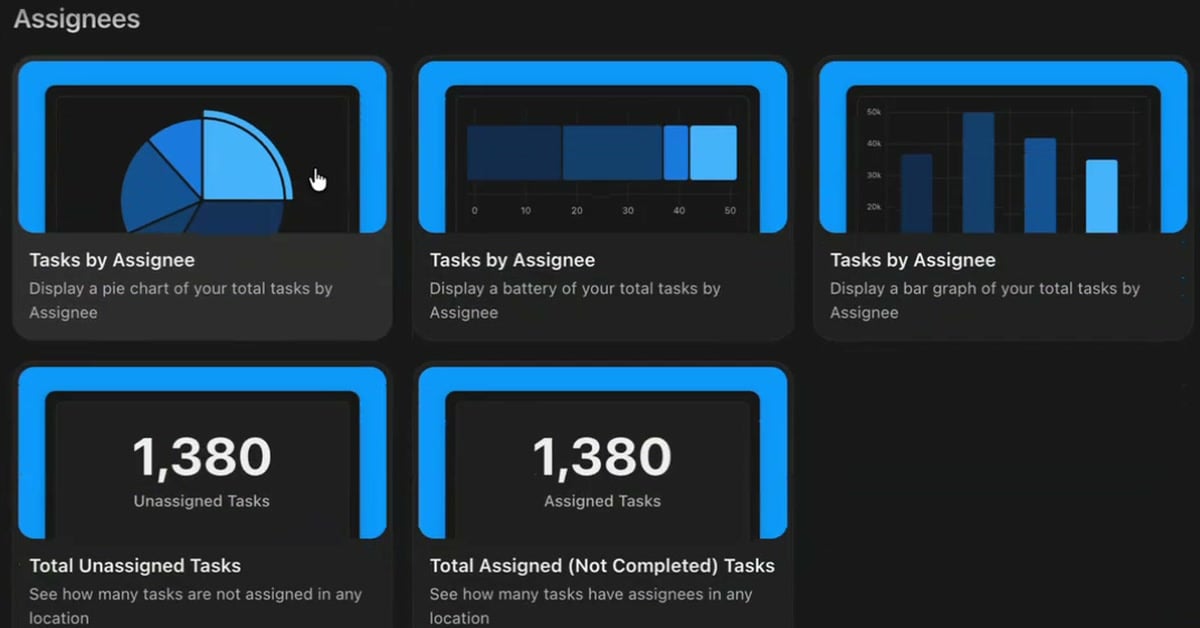
Assignee cards on a ClickUp dashboard show who holds the work and what is still unassigned, with no setup beyond adding the card. How to add them from the card library, switch between chart styles, and narrow a card to one person.
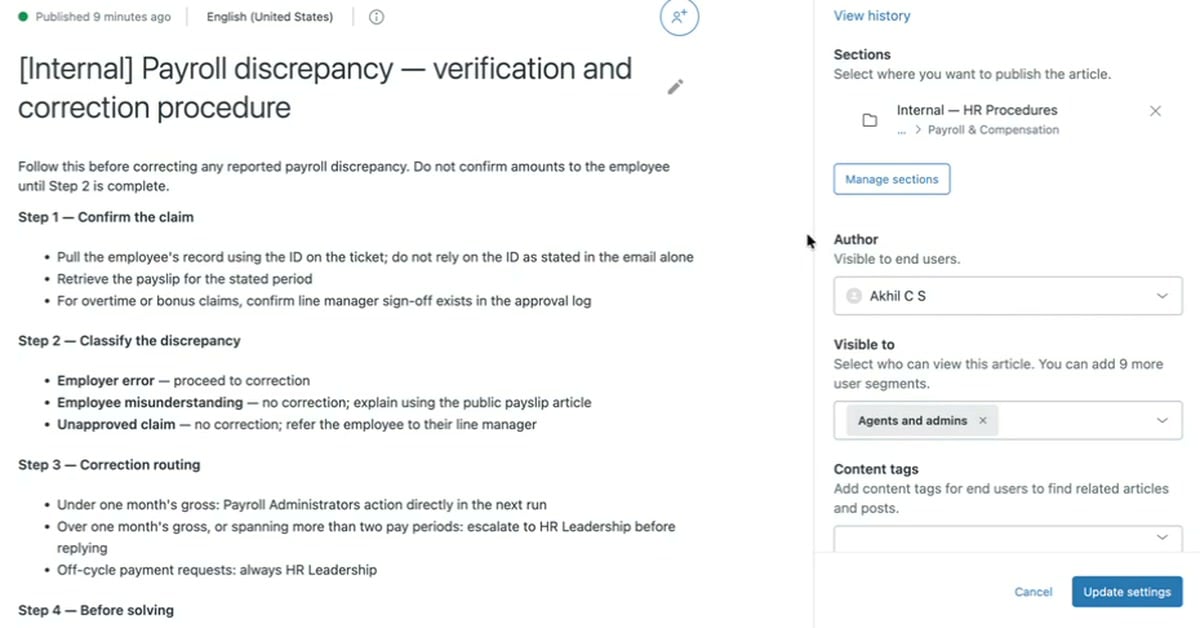
A help desk needs answers customers can read and procedures only agents should see. How an internal article in Zendesk appears in the knowledge panel on a ticket, and the one setting that makes an article internal.
3 min/Oct 2026
Watch
New resources, as soon as they land.
Whitepapers, datasheets, recorded sessions, and field notes on operating AI. Straight to your inbox, the week we publish.