Five Mistakes Behind Weekend SLA Breaches in Zendesk
Video
Weekend SLA breaches usually trace back to Zendesk business hours configuration. Five common mistakes in schedules and holidays, with the correction for each.
Chapters
0:00 Why weekend breaches happen 0:22 Time zone left at the default 0:43 A schedule nobody applied 1:07 Holidays are per schedule, per year 1:35 Calendar hours in your automations 2:01 One schedule, many time zones 2:52 What to fix first
Full Transcript
0:00 If your SLA reports shows breaches outside your team's working hours, the cost is usually 0:06 configuration rather than performance. 0:08 Hi, I'm Amey Negandhi, a Solution Consultant with L5.ai. In this video, we'll cover the 5 most 0:15 common mistakes we see in Zendesk business hours and holiday schedules and how you can correct each 0:21 one of them. 0:22 Let me quickly jump to Mistake 1. The time zone is left at the account default. A new schedule 0:28 inherits your account's time zone. This account is set to Paris, so this schedule which is for the 0:34 American team is also in Paris. Set the time zone deliberately when you create the schedule before 0:40 you define your intervals. 0:43 Let me jump into Mistake 2. The schedule is created but it's never actually applied. This is the 0:49 most frequent issue we encounter. 0:52 A schedule has no effect until a business rule represents it. SLA targets continue to measure in 0:58 calendar hours until you explicitly switch them to business hours. 1:03 So the schedule exists but it's not influencing anything. 1:07 Mistake 3. Assuming holidays are global and that they require. Holidays are defined for schedule. 1:14 Here's the American schedule with its holidays. If I quickly jump to APAC, you'll realize that it's 1:21 completely empty. Because holidays don't carry across. They also don't recur. Each year needs a 1:28 fresh set of entries. We'd recommend a standing calendar reminder in December to review the year 1:34 ahead. 1:35 Let me quickly jump to Mistake 4. Calendar hour conditions left in your triggers and automations. 1:42 Correcting your SLAs doesn't correct everything else. Any condition which is based on elapsed time 1:49 has both a calendar variant and a business variant. 1:52 If your automation uses the calendar version, follow-up notification and auto-solves will continue 1:58 through evenings and weekends as well. 2:01 Lastly, Mistake 5. Where one schedule covers teams in different time zones, it's inaccurate for at 2:09 least one of them. 2:10 The fix depends on your plan. Some accounts support multiple schedules, others are limited to one. 2:17 So check yours before you design around it. 2:20 If you can create more than one, define the schedule per region. Here you can see I have assigned 2:27 the American schedule to the American team. 2:30 If your plan supports only one schedule, the honest approach will be to set it to the hours you're 2:36 genuinely staffed for and treat your other regions 2:39 as a separate conversation rather than folding them into the same targets. 2:43 It keeps your reporting meaningful and it's a much easier discussion to have with stakeholders than 2:49 explaining a breach rate nobody could have met. 2:52 In summary, set the time zone first, apply the schedule to your business rules, maintain holidays 2:58 per schedule and per year, review your automations and check what your plan allows before you 3:04 design anything around your regions. 3:05 If you'd like your configuration audited or set up properly for your workflow, you can reach out to 3:12 us at L5.ai. Thank you and have a nice day.
Business hours and holiday schedules in Zendesk When an SLA report shows breaches outside working hours, the first place to look is the schedule configuration.
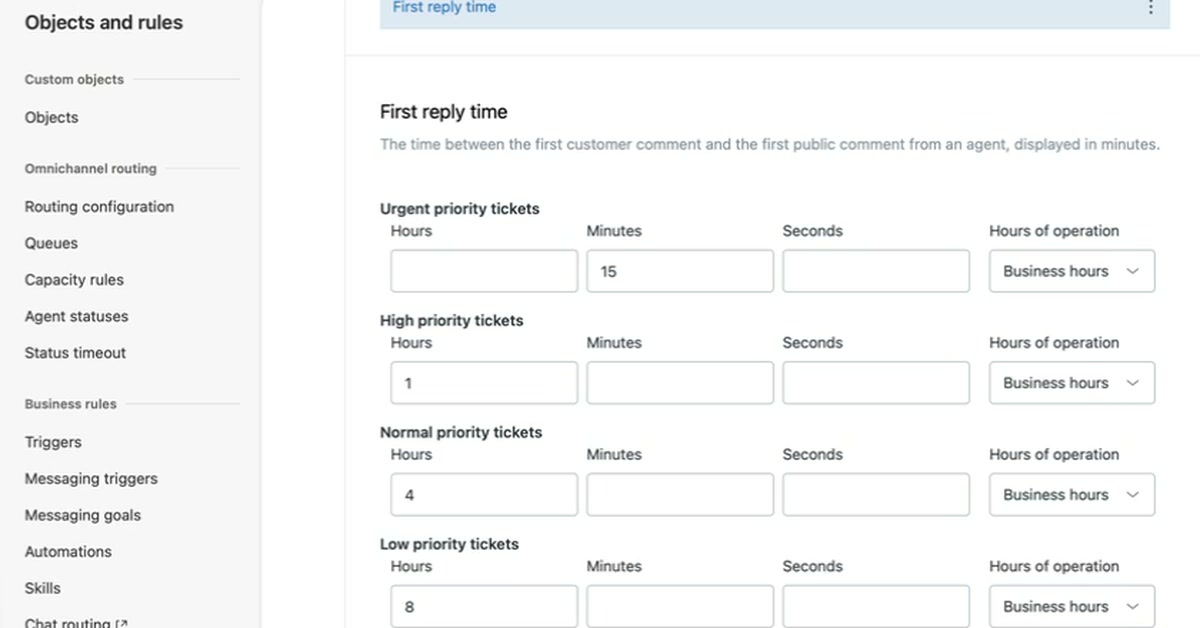
This walkthrough works through five mistakes in a live Zendesk account. It starts with a schedule left on the account default time zone, a schedule that is never applied to a business rule, and holidays treated as global and recurring.
It then covers calendar hour conditions left in triggers and automations, and one schedule stretched across teams in different time zones. Each mistake is shown with its correction, including what to do when your Zendesk plan allows only one schedule.
New resources, as soon as they land.
Whitepapers, datasheets, recorded sessions, and field notes on operating AI. Straight to your inbox, the week we publish.
No spam. Unsubscribe any time.