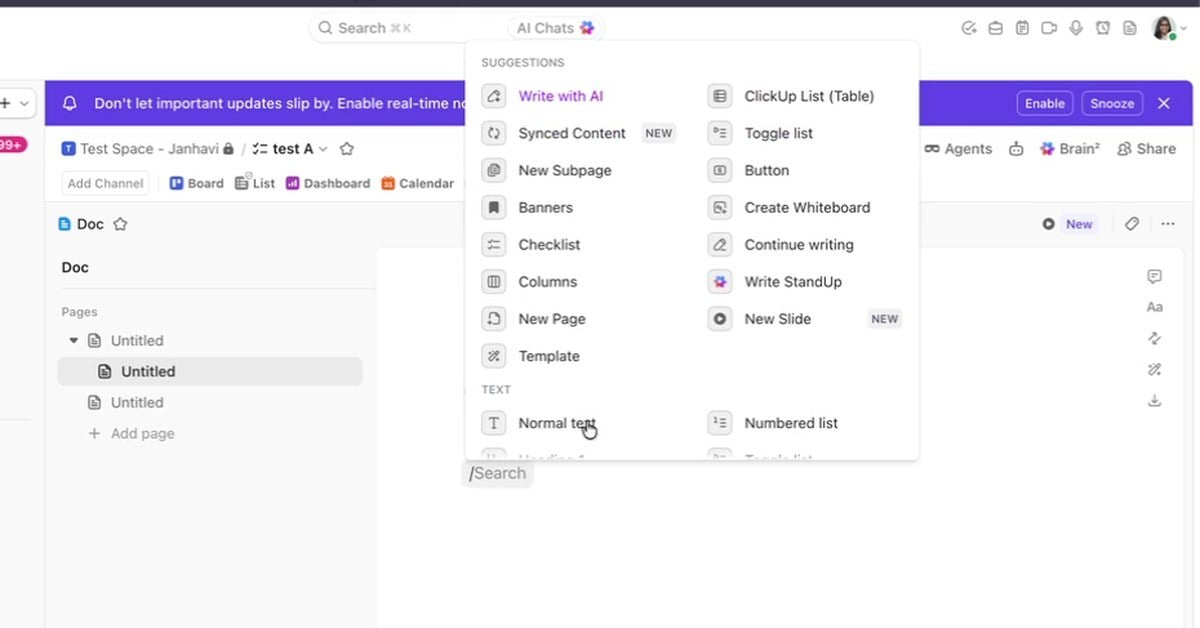
ClickUp Docs and Wikis Explained
ClickUp Docs and wikis keep documentation next to the work. How to build a doc with pages and slash commands, comment in it, mark it a wiki and set access.
3 min/Oct 2026 Watch
Associate ConsultantL5.ai
Janhavi is an Associate Consultant at L5, supporting ClickUp onboarding and work-management delivery for customers.
ClickUp Docs and wikis keep documentation next to the work. How to build a doc with pages and slash commands, comment in it, mark it a wiki and set access.
3 min/Oct 2026 Watch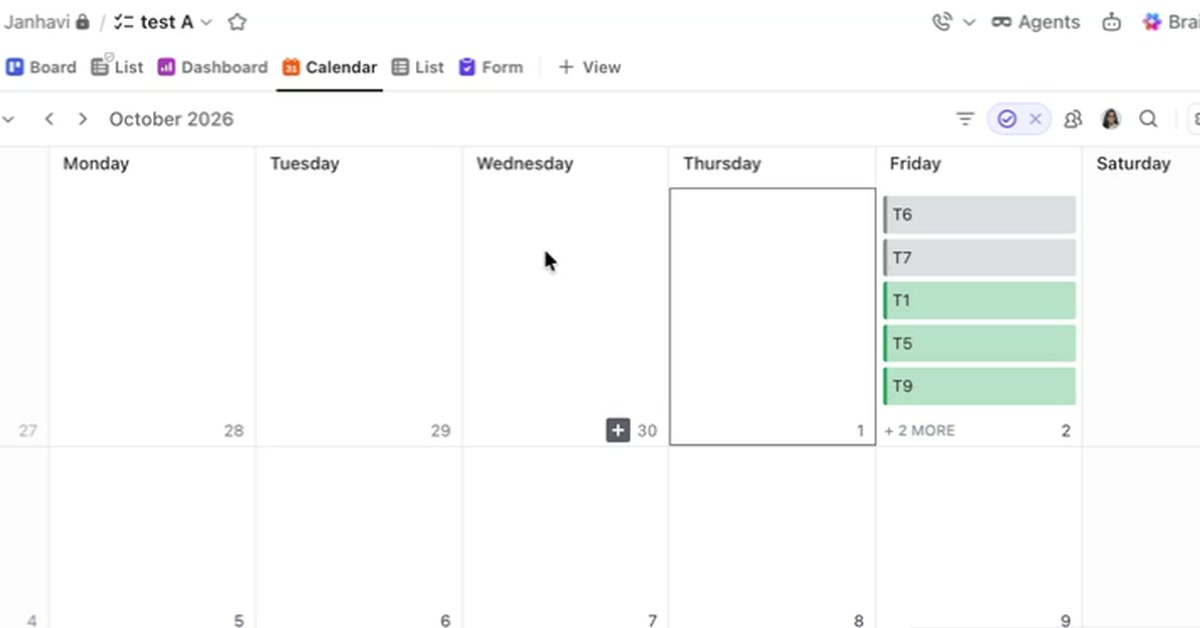
How the ClickUp Calendar view places tasks by their dates, what a task needs to show there, and how filters and color coding shape what the calendar shows.
3 min/Oct 2026 Watch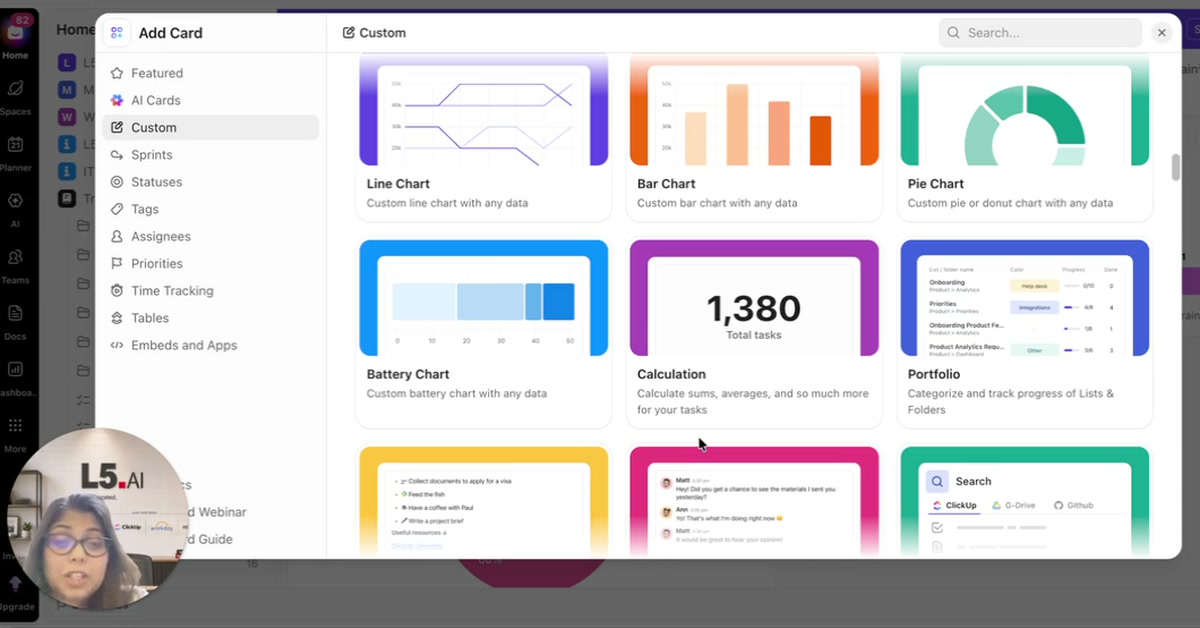
How to add ClickUp dashboard cards from the Custom section, build a bar chart on a custom field and a pie chart by status, and choose cards by question.
3 min/Oct 2026 Watch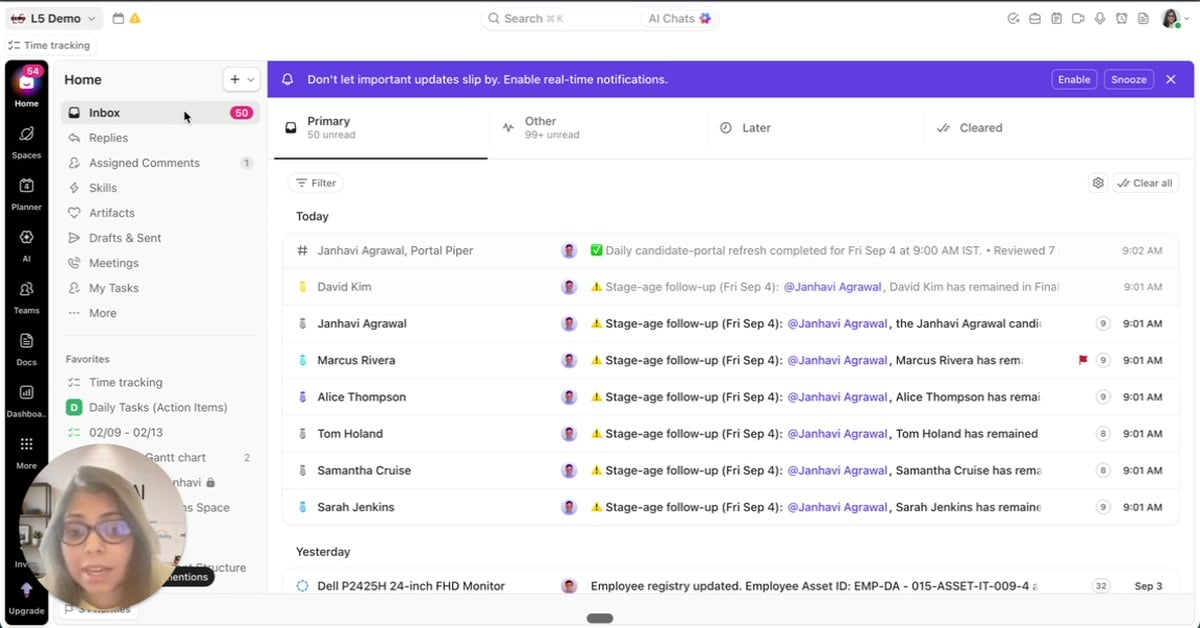
ClickUp Home is the screen that opens first. A walkthrough of its Inbox, Replies and Assigned Comments sections, where notifications waiting on you land.
3 min/Sep 2026 Watch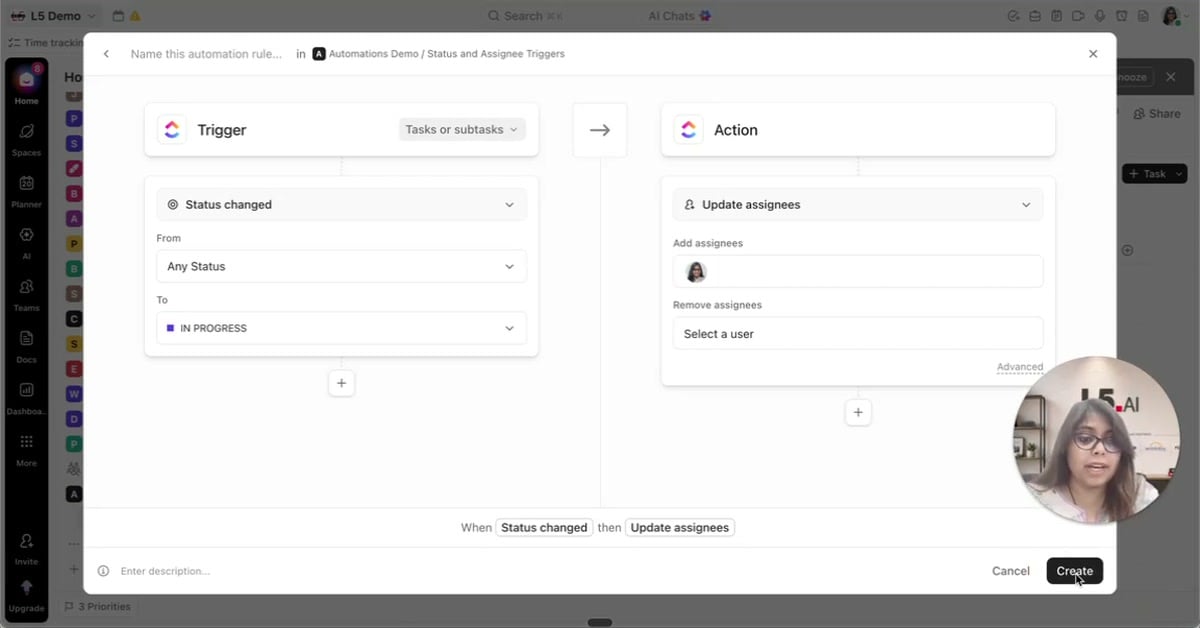
A ClickUp automation is a rule that moves a task forward on its own. Two triggers every team should set up, built end to end in the automations builder.
2 min/Aug 2026 Watch
A quick walkthrough of how ClickUp organizes work, from workspaces down to subtasks, plus the most common structure mistake teams make.
3 min/Jul 2026 Watch